Tips & Tutorials
What are the functions of X50 Plus and how to use it?

August 2, 2021
Share:
 autoolstore.com
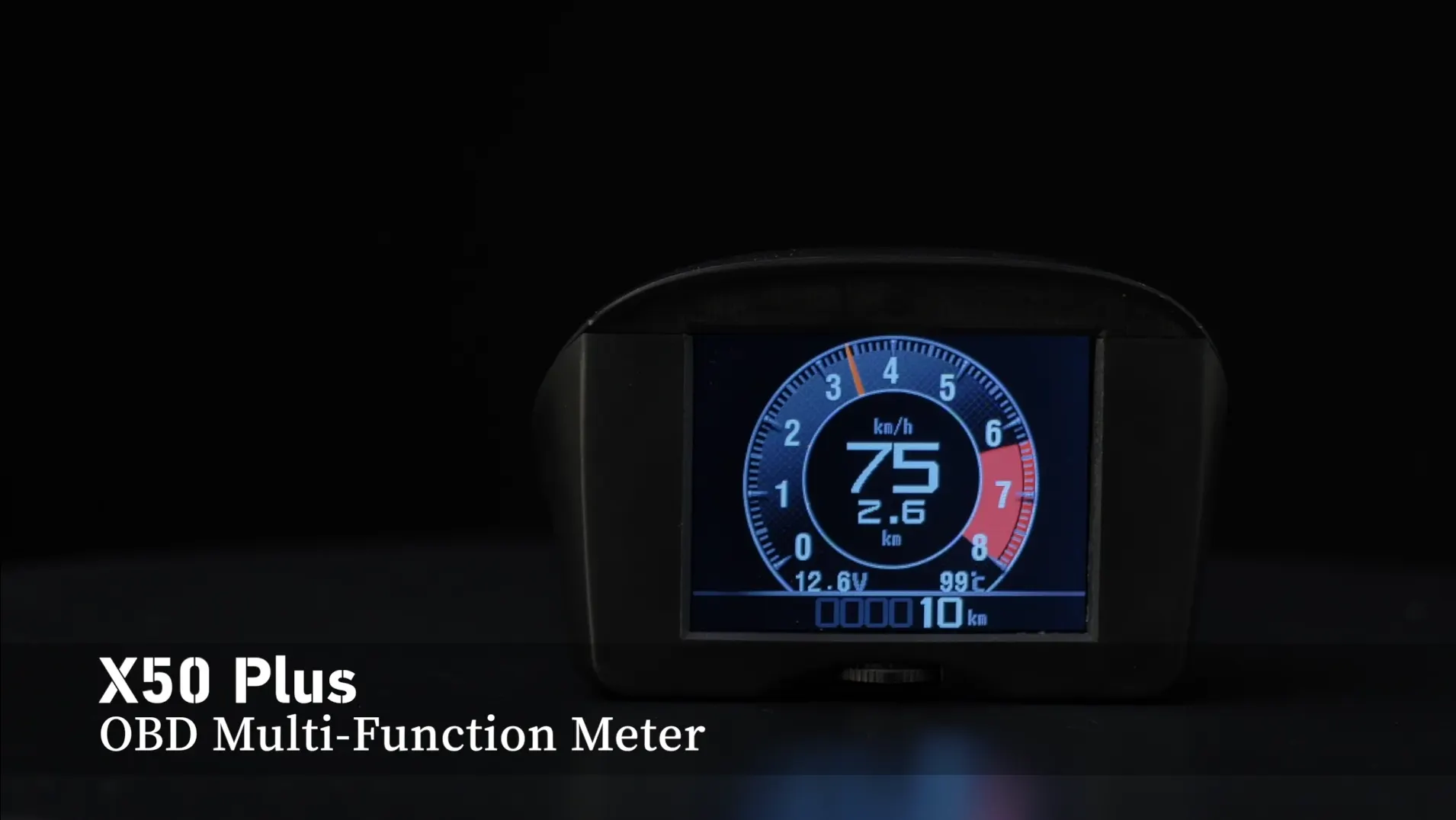
The X50 Plus can display driving information after it is connected to the vehicle. To begin, connect your X50 Plus to your car and start the engine.
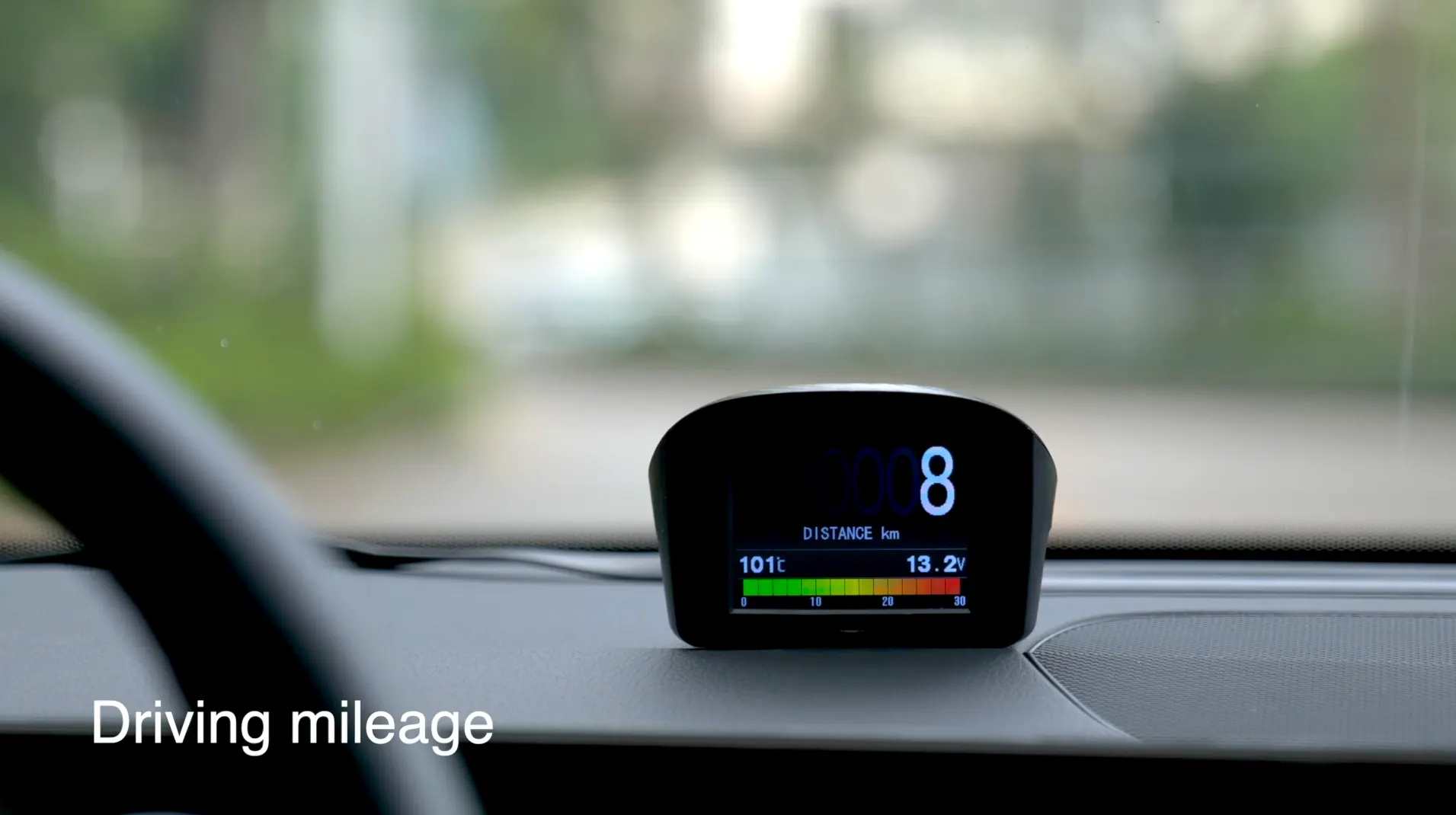
After the device is connected and the engine is running, select the data you want to display, such as speed, mileage, engine rotate speed, engine temperature, or oil consumption.
Connection and startup
First, connect your X50 Plus to your car and start the engine. This prepares the device to read and display vehicle information.
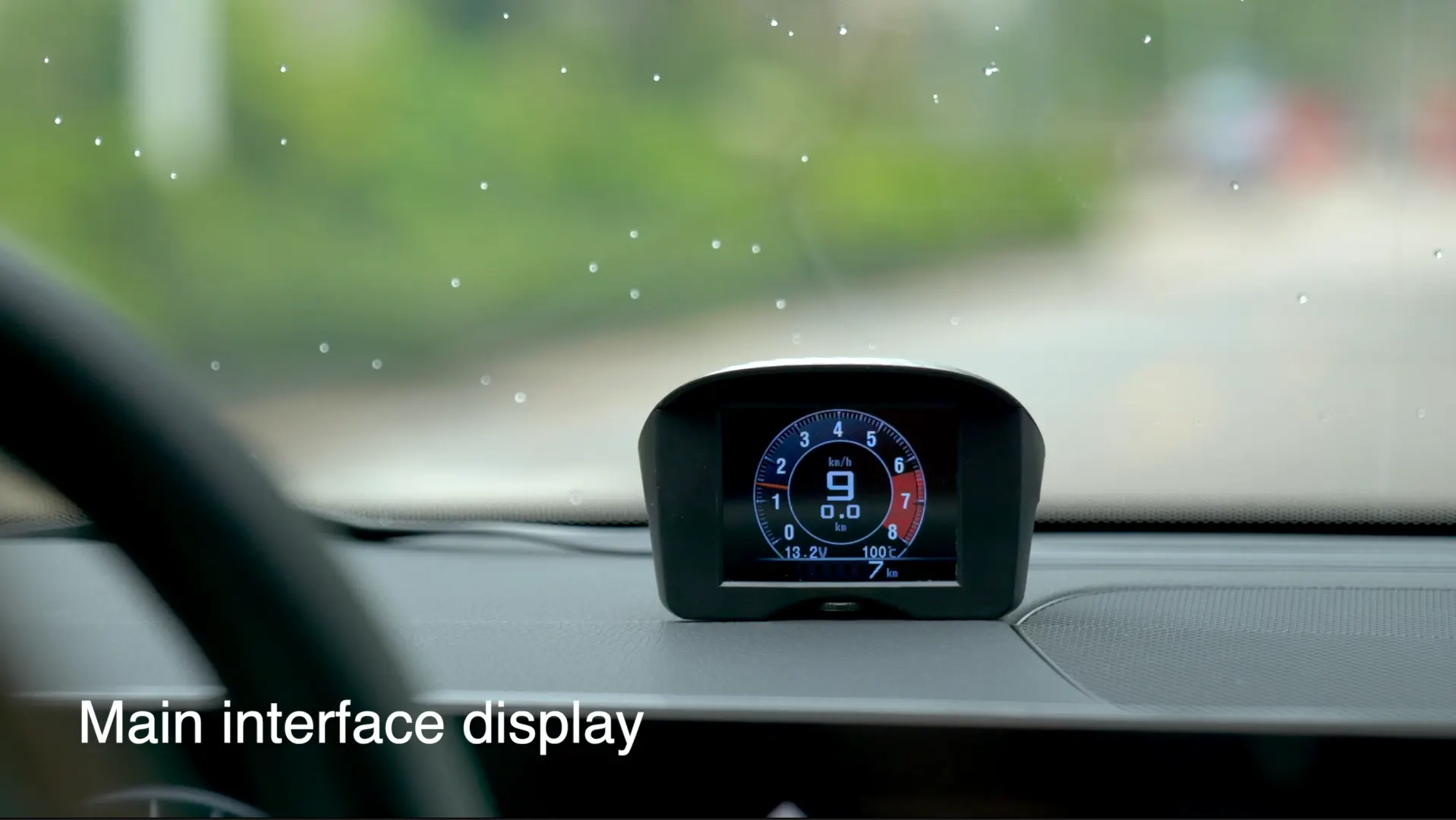
Select display data
Select the data you want to display, such as speed, mileage, rotate speed, engine temperature, and oil consumption. The original article shows speed, driving mileage, and night display examples.
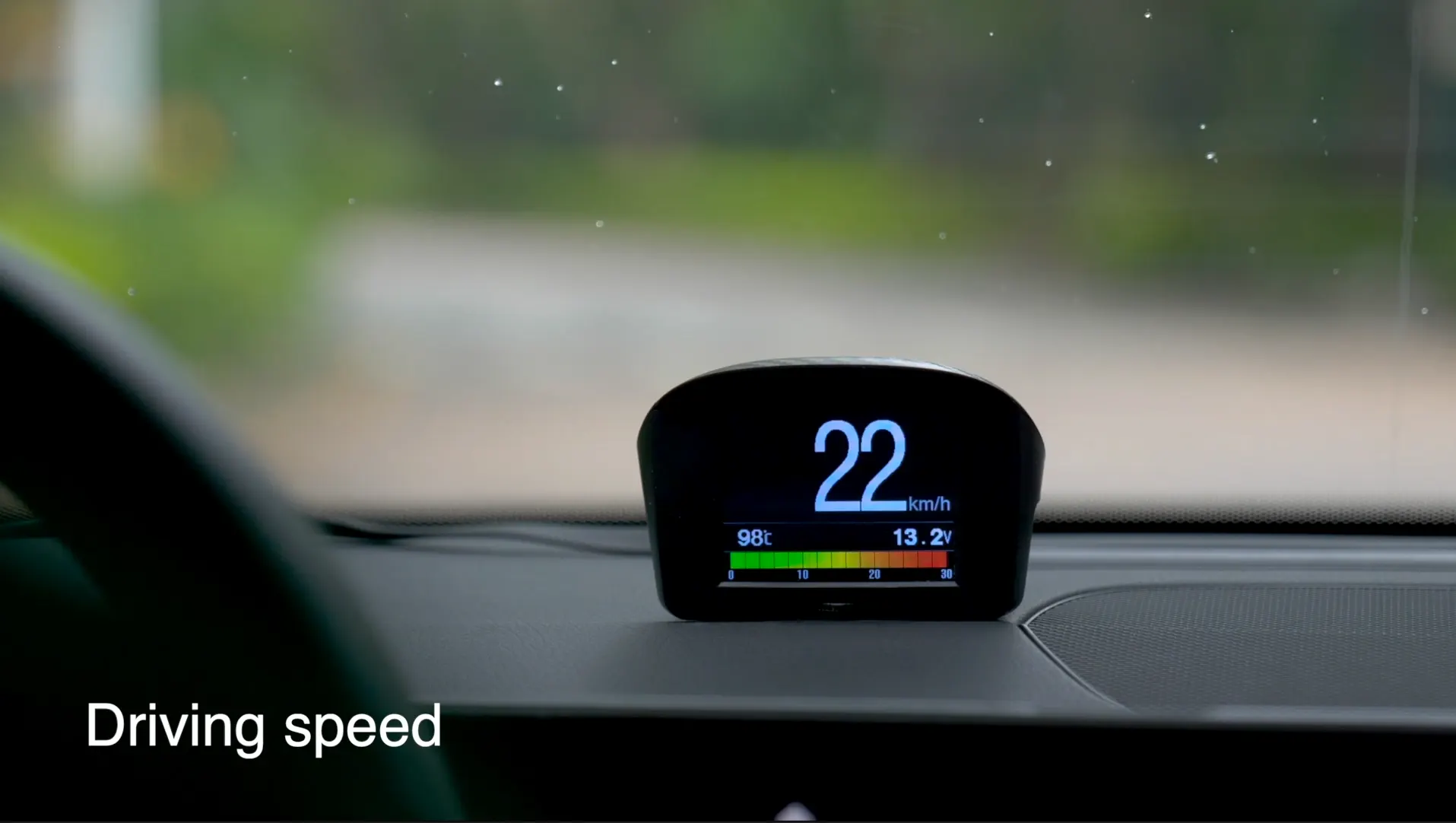
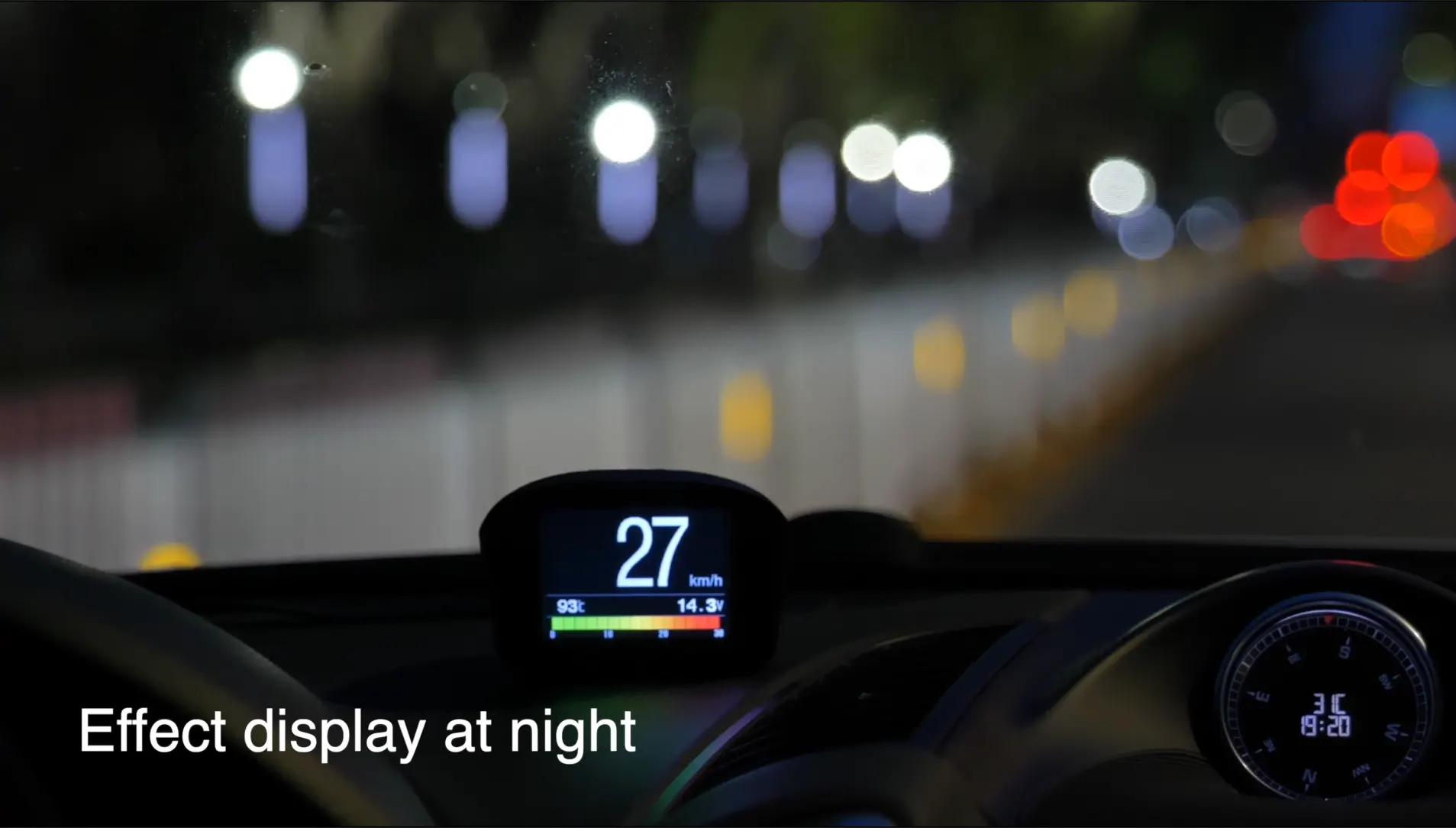
Effect display at night
The X50 Plus can also show driving information at night. The following original image shows the effect display at night.
Official video channel
For more details on the X50 Plus, please watch the related product videos and subscribe to the official YouTube channel.
The original imported content contained an empty video container without a playable video source, so the empty shell was not recreated in the body.
To use the X50 Plus, connect it to the car, start the engine, choose the information you want to display, and use the function key to navigate the menu. Speed, rotate speed, engine temperature, oil consumption, mileage, and night display are the main points shown in the original guide.
Related Products
Rendered through WooCommerce product shortcode so the cards inherit the product-card structure used by the reference post style.