Tipy a návody
Aké sú funkcie X50 Navyše a ako ho používať?

2 augusta, 2021
Zdieľať:
 autoolstore.com
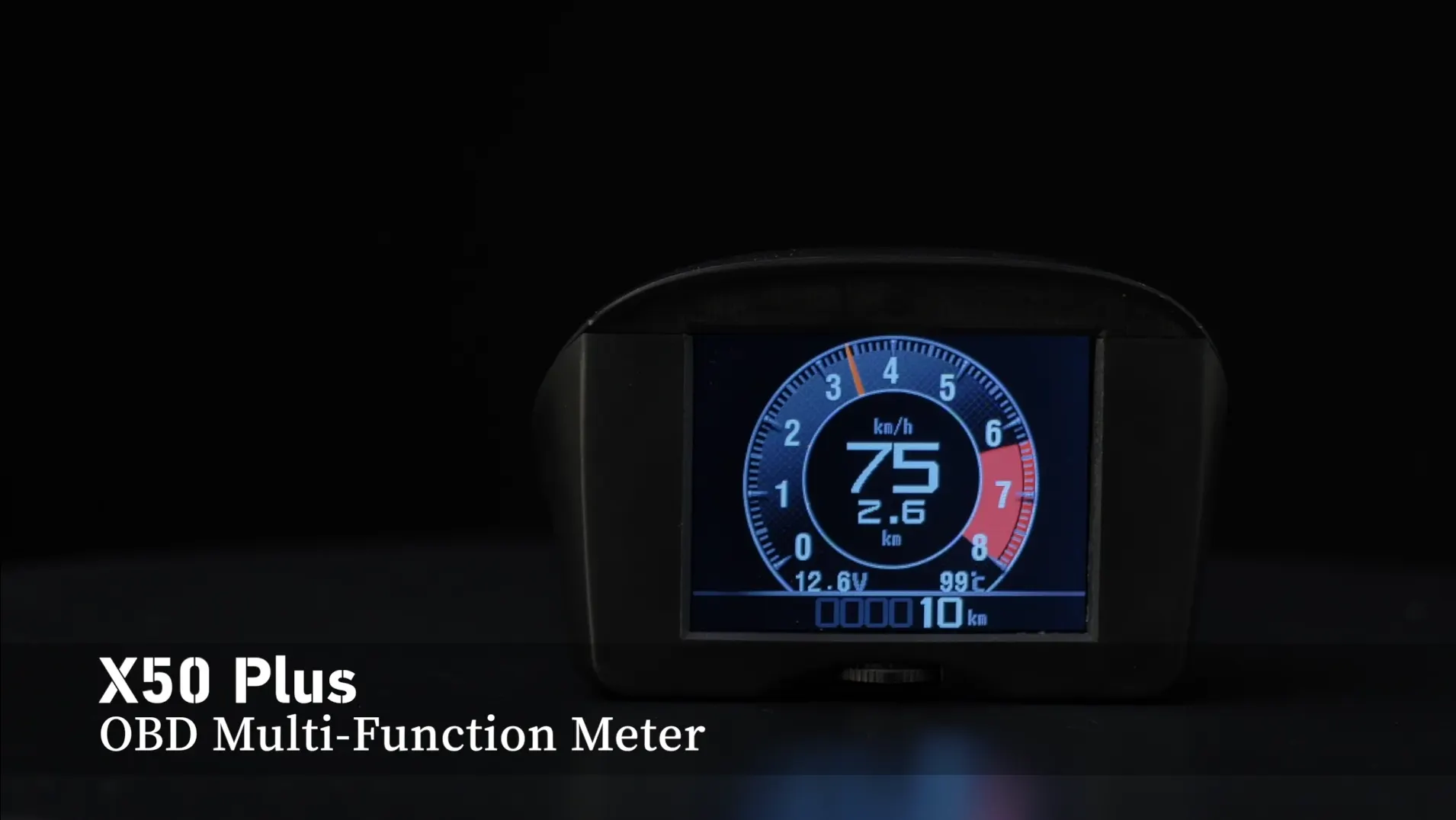
X50 Plus dokáže po pripojení k vozidlu zobrazovať informácie o jazde. Ak chcete začať, pripojte X50 Plus k vášmu autu a naštartujte motor.
Po pripojení zariadenia a naštartovaní motora vyberte údaje, ktoré chcete zobraziť, ako napríklad rýchlosť, počet najazdených kilometrov, otáčky motora, teplotu motora alebo spotrebu oleja.
Pripojenie a spustenie
Najprv pripojte svoj X50 Plus k vášmu autu a naštartujte motor. Tým sa zariadenie pripraví na čítanie a zobrazovanie informácií o vozidle.
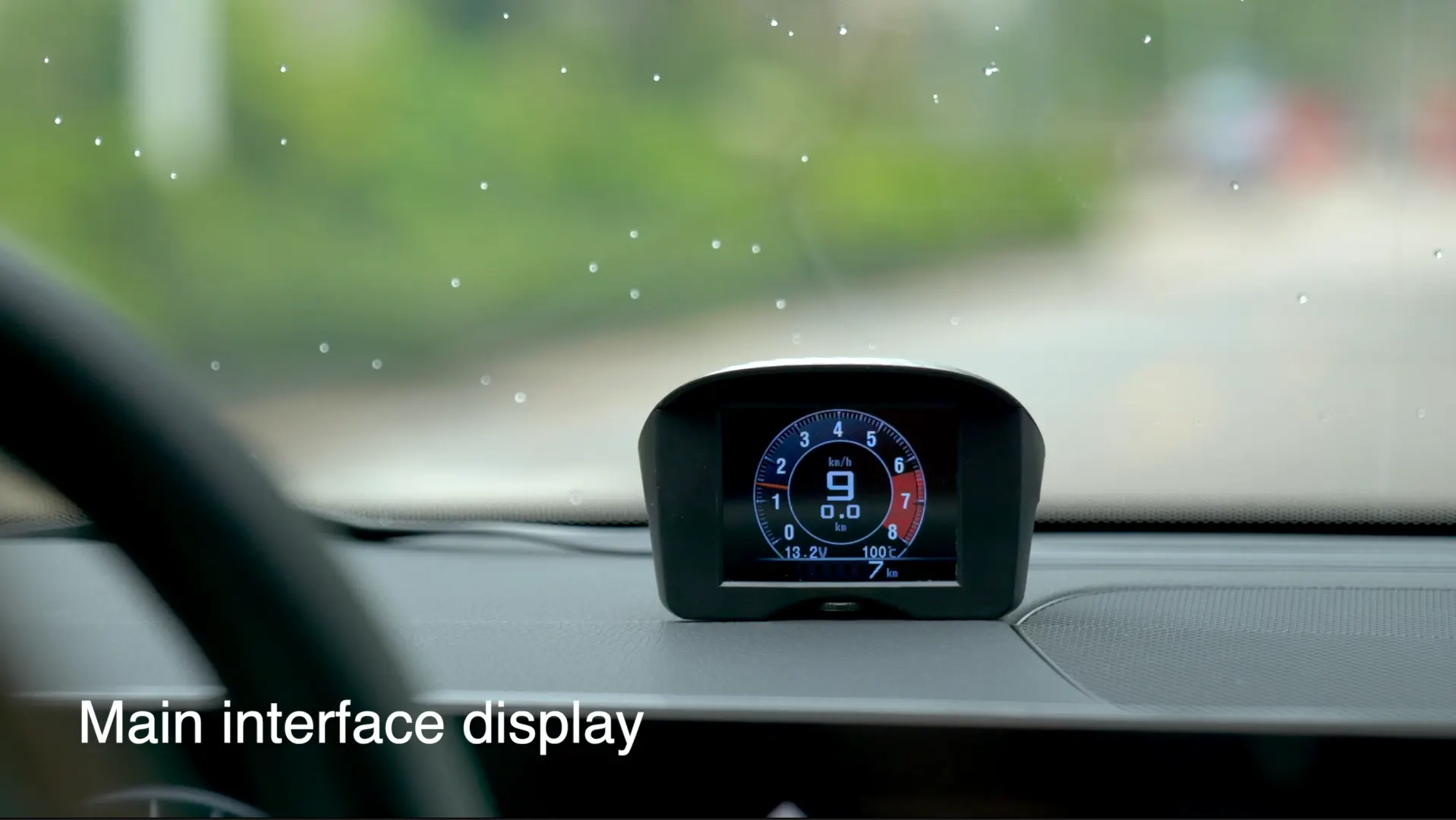
Vyberte údaje o zobrazení
Vyberte údaje, ktoré chcete zobraziť, ako napríklad rýchlosť, počet najazdených kilometrov, otáčky, teplotu motora a spotrebu oleja. Pôvodný článok zobrazuje príklady rýchlosti, počtu najazdených kilometrov a nočného zobrazenia.
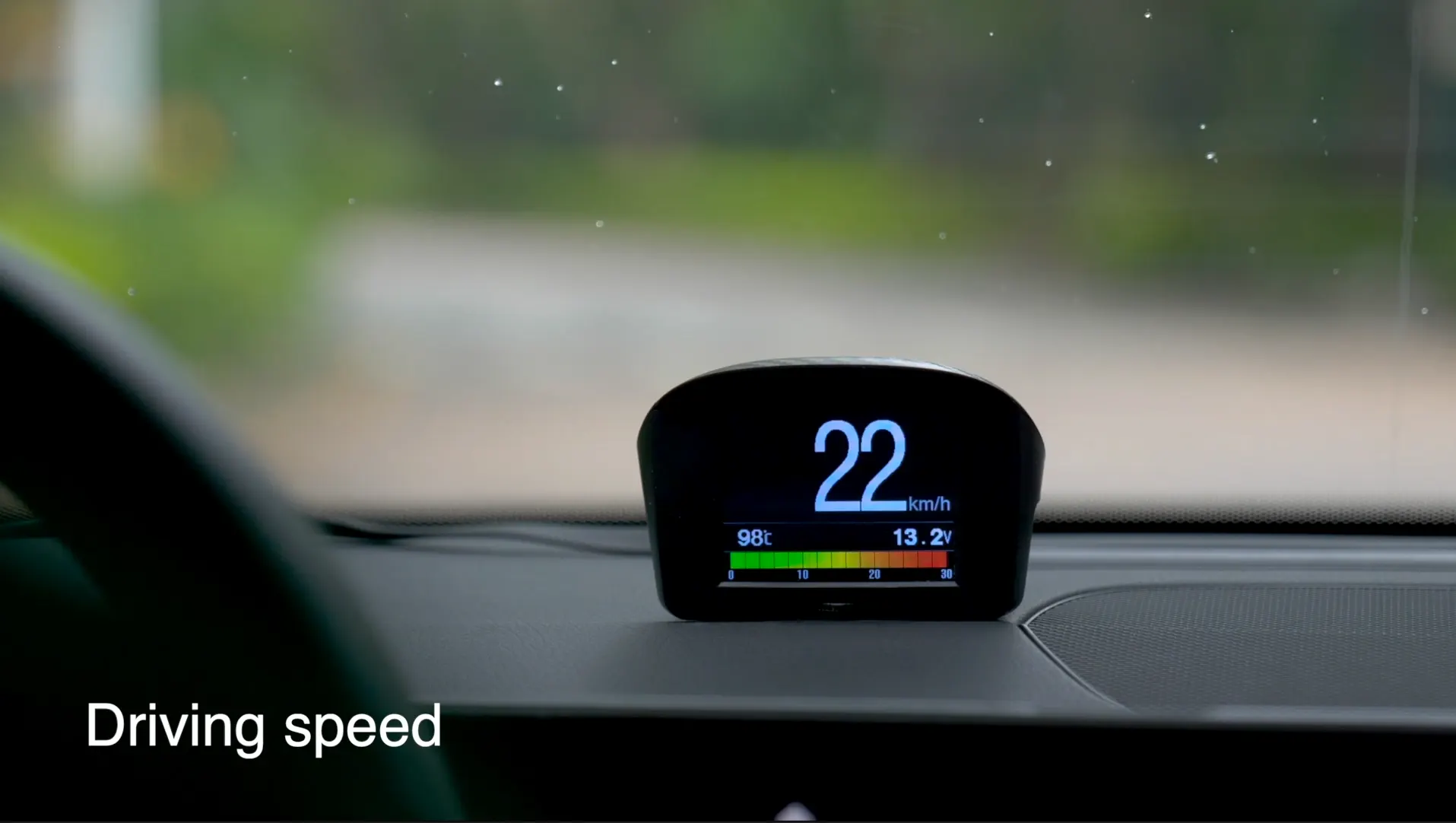
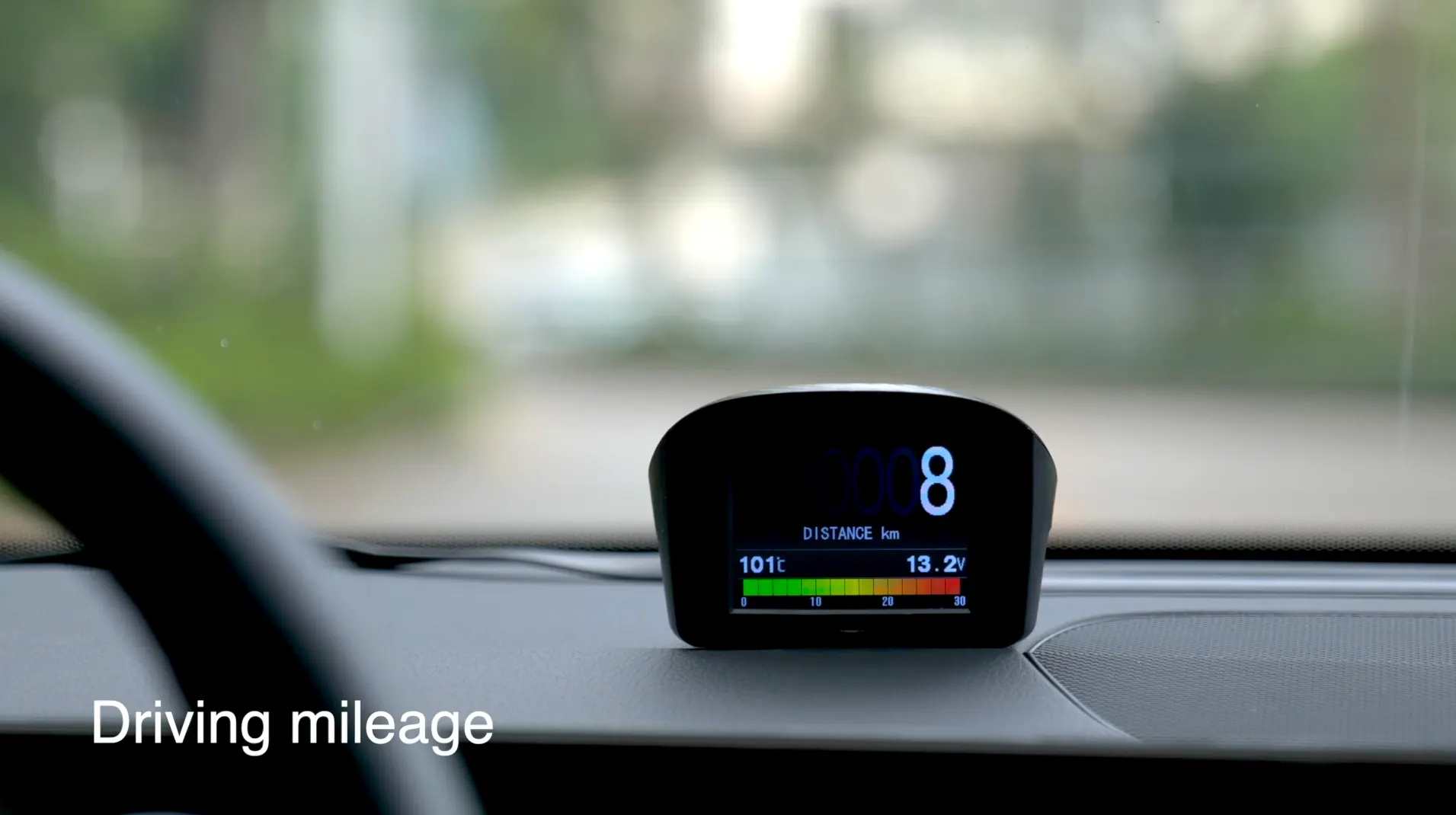
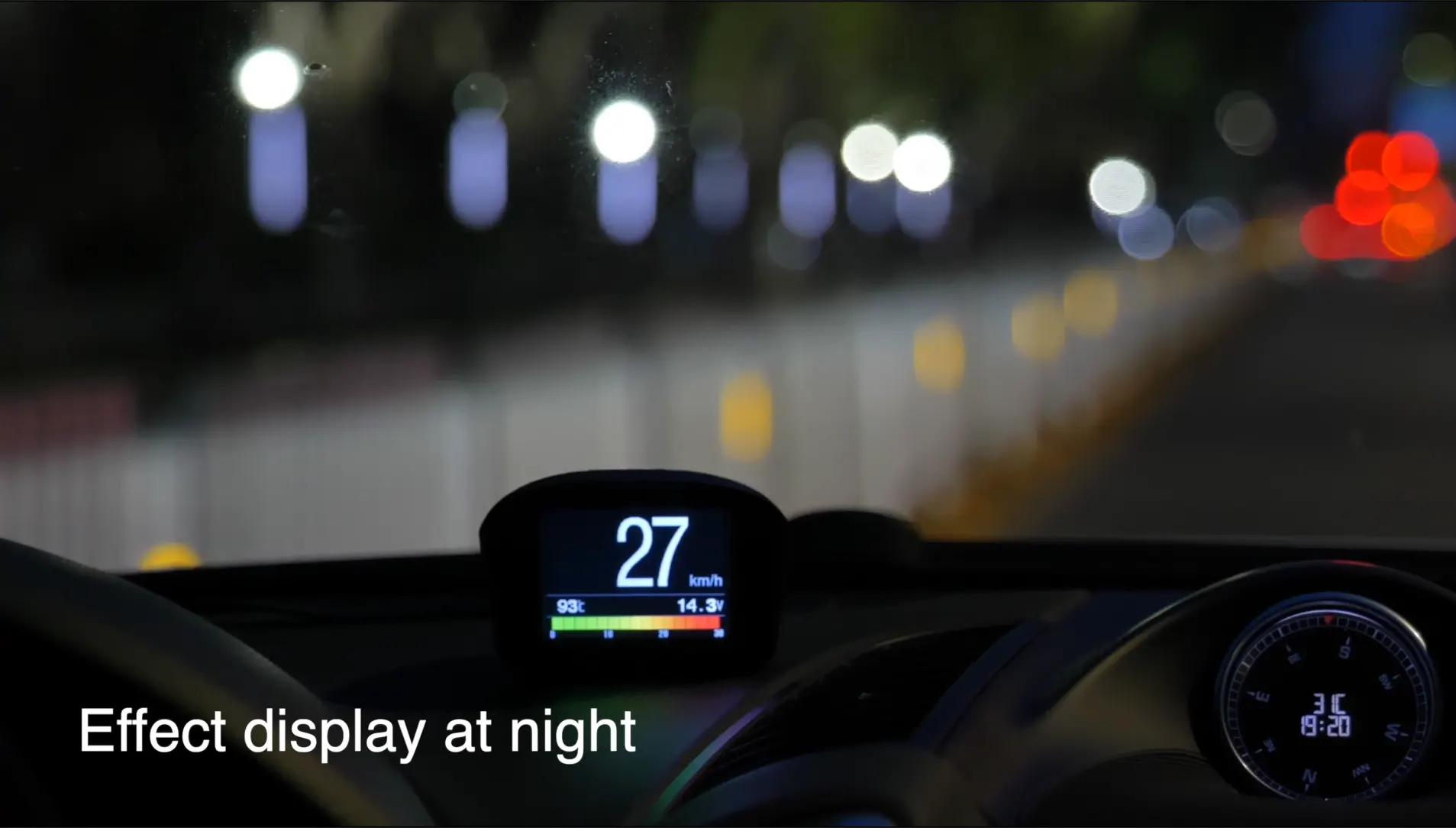
Efektové zobrazenie v noci
X50 Navyše dokáže zobrazovať informácie o jazde aj v noci. Nasledujúci originálny obrázok znázorňuje efekt zobrazenia v noci.
Oficiálny video kanál
Pre viac informácií o X50 Okrem toho si pozrite súvisiace videá o produktoch a prihláste sa na odber oficiálny kanál YouTube.
Pôvodný importovaný obsah obsahoval prázdny video kontajner bez prehrateľného zdroja videa, takže prázdny shell nebol v tele znovu vytvorený.
Ak chcete použiť X50 Navyše ho pripojte k autu, naštartujte motor, vyberte informácie, ktoré chcete zobraziť, a pomocou funkčného tlačidla sa pohybujte v ponuke. Hlavnými bodmi uvedenými v pôvodnom návode sú rýchlosť, otáčky, teplota motora, spotreba oleja, počet najazdených kilometrov a nočné zobrazenie.
Súvisiace produkty
Vykreslené pomocou shortcode produktu WooCommerce, takže karty zdedia štruktúru karty produktu používanú štýlom referenčného príspevku.