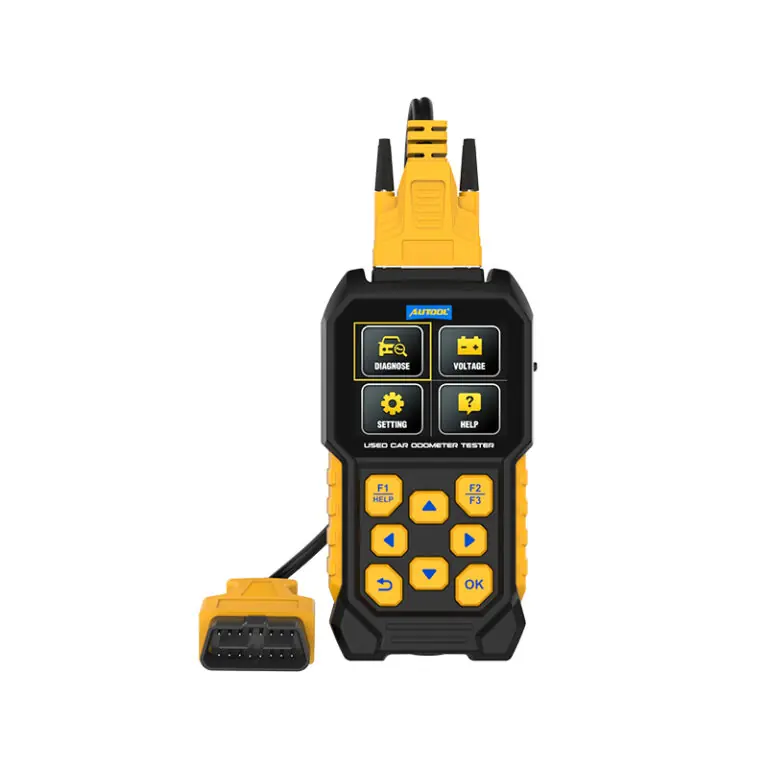
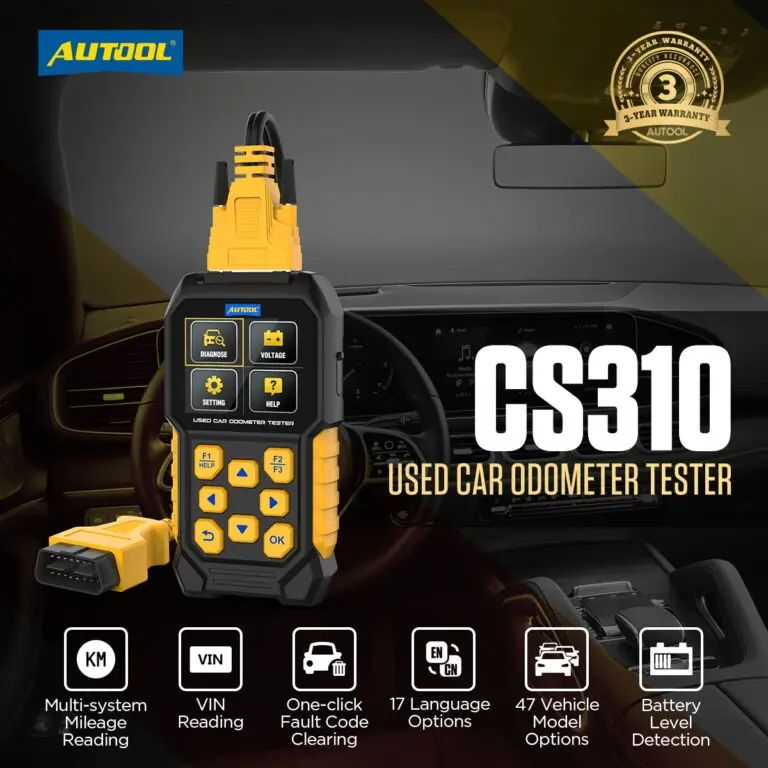


AUTOOL CS310 Used Car Odometer Scanner
US$149.00
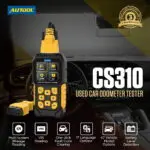
- Cross-Module Mileage Comparison
- VIN + Inspection Reports
- Supported OBD Codes
- OBD-Port Voltage Display
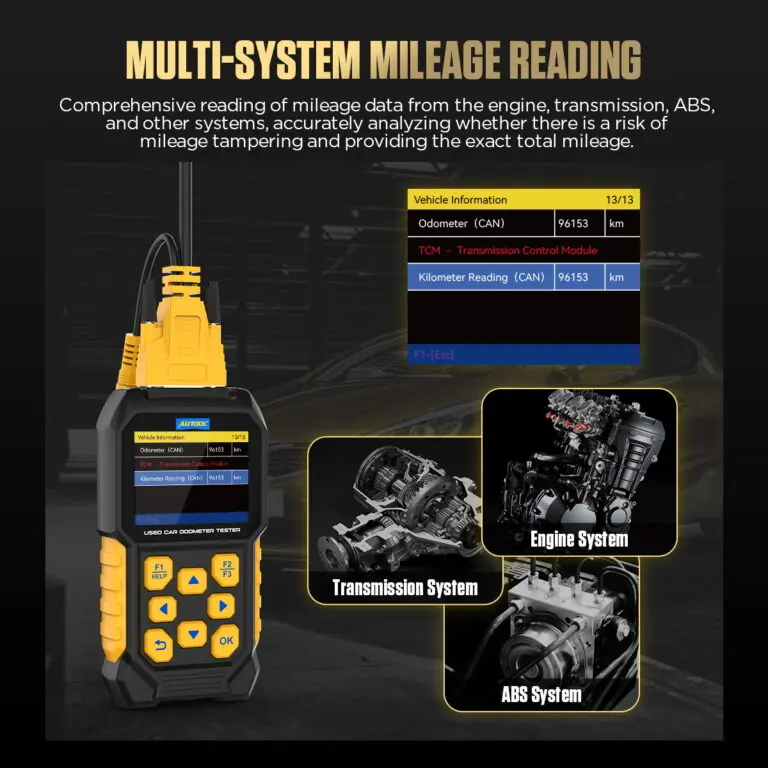
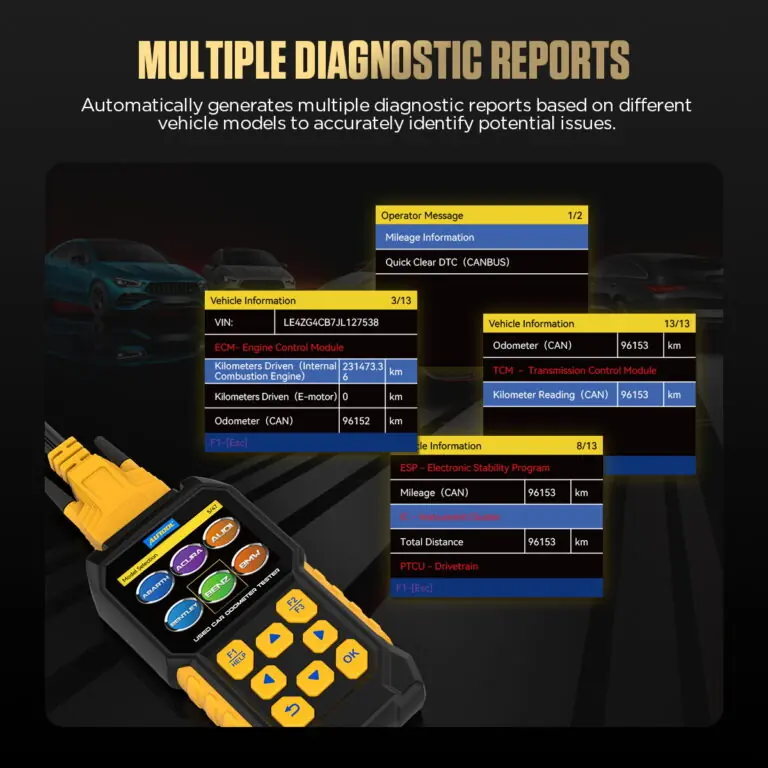
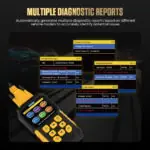
- Cross-Module Mileage Comparison: Compare available engine, transmission, ABS, and instrument-module mileage with the dashboard value to flag inconsistencies for review.
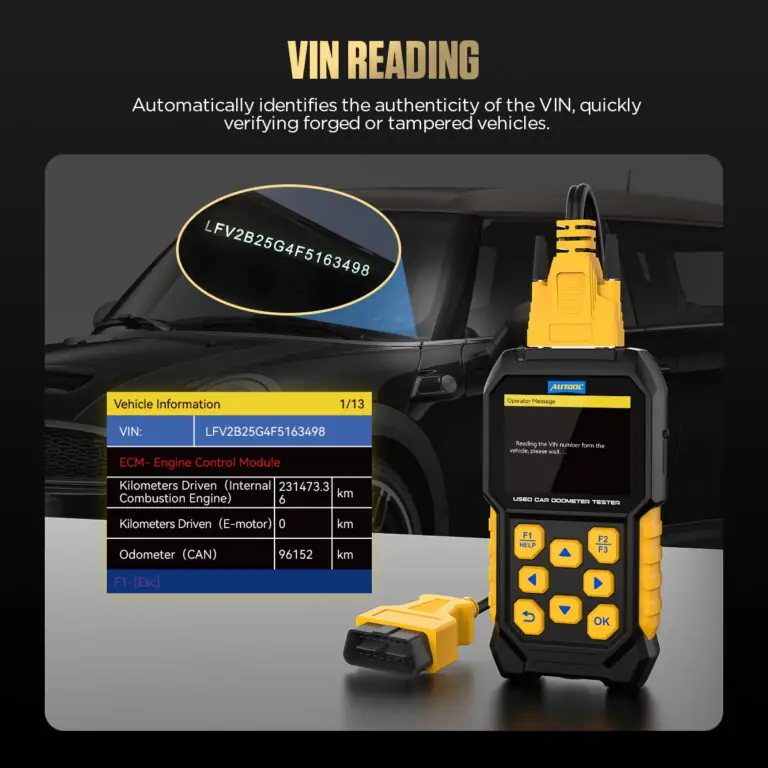
- VIN + Inspection Reports: Read supported VIN data and generate reports that pair vehicle identity with available module mileage.
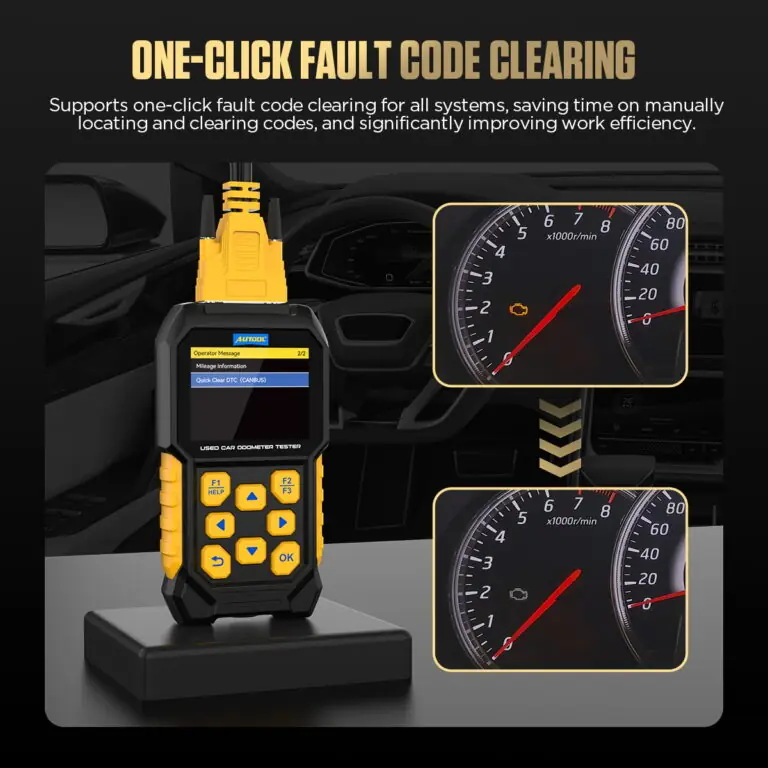
- Supported OBD Codes: Read and clear supported OBD fault codes as part of a used-vehicle inspection.
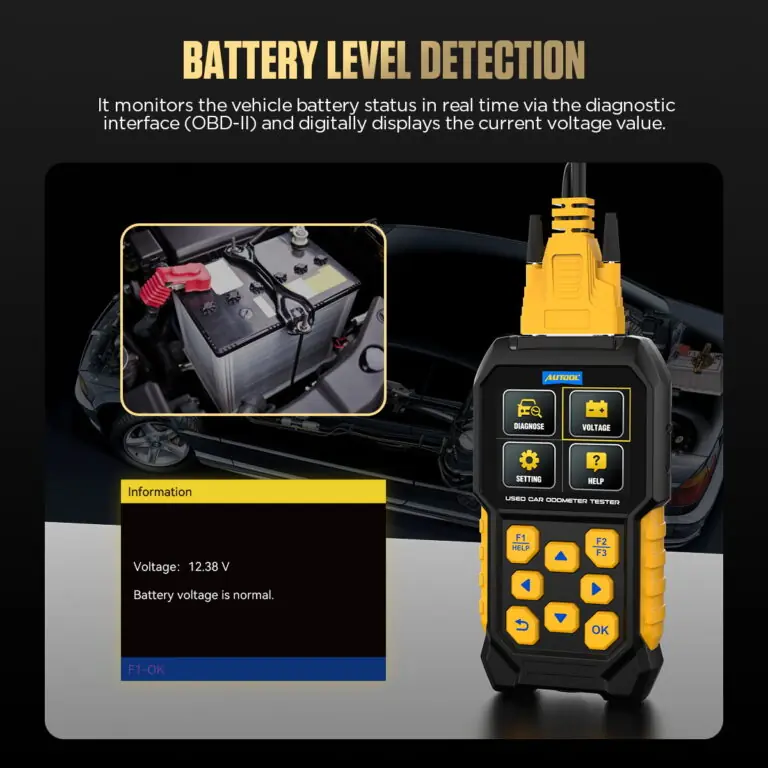
- OBD-Port Voltage Display: Observe live supply voltage at the OBD-II connector during inspection.
- Porsche History References: Read available historical mileage and high-RPM event information on supported Porsche vehicles.
- Cross-Module Mileage Comparison: Compare available engine, transmission, ABS, and instrument-module mileage with the dashboard value to flag inconsistencies for review.
- VIN + Inspection Reports: Read supported VIN data and generate reports that pair vehicle identity with available module mileage.
- Supported OBD Codes: Read and clear supported OBD fault codes as part of a used-vehicle inspection.
- OBD-Port Voltage Display: Observe live supply voltage at the OBD-II connector during inspection.
- Porsche History References: Read available historical mileage and high-RPM event information on supported Porsche vehicles.
- 3-Year Warranty Main unit 3 years · Accessories 1 year
- 90-Day Returns Eligible returns within 90 days
- Official Store Genuine products · Direct support
AUTOOL CS310 · Used-Car Odometer Scanner for Cross-Module Screening
Compare Mileage Clues Across Supported Modules
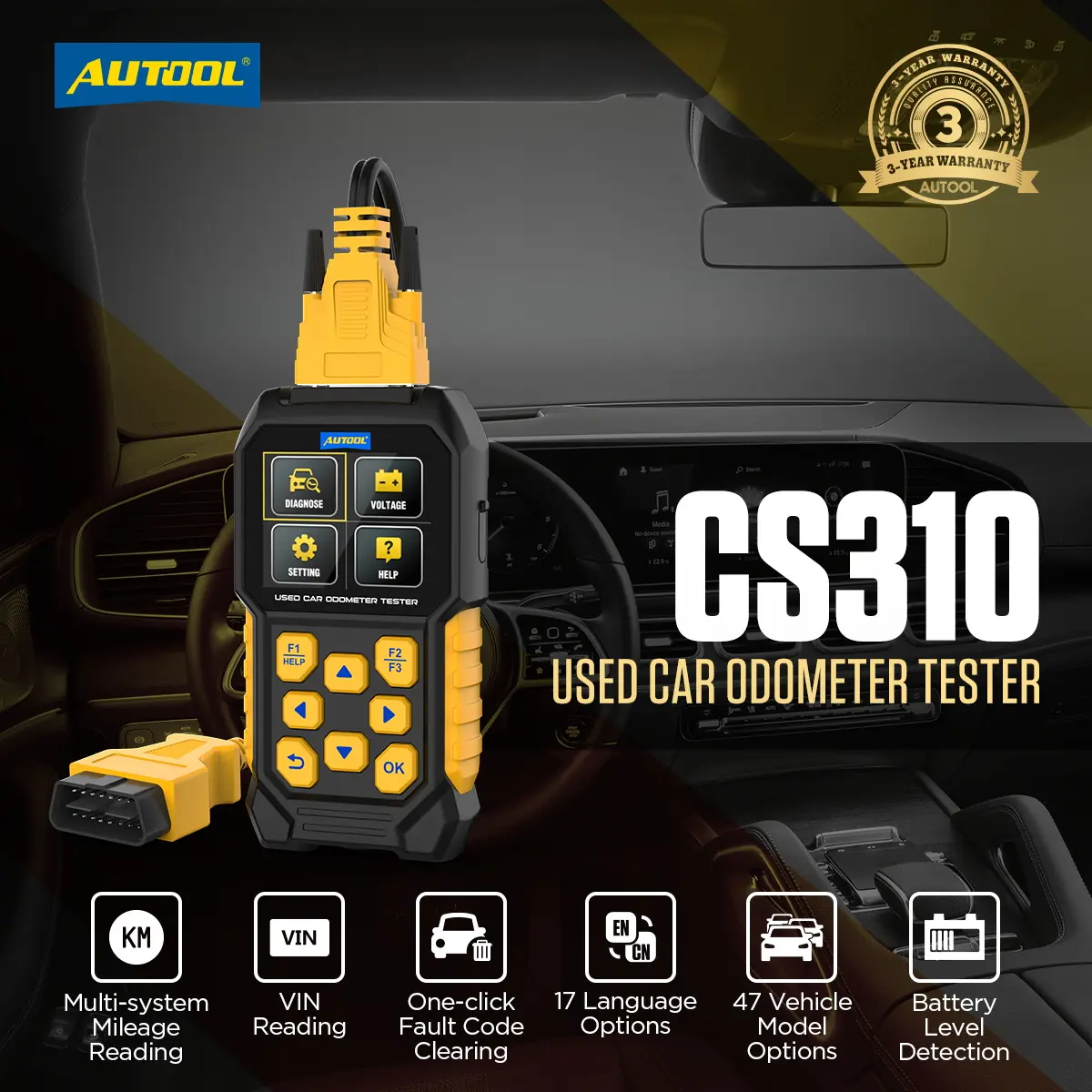
Compare mileage values available from supported engine, transmission, ABS, and instrument modules against the dashboard with the AUTOOL CS310. VIN reading, supported OBD fault-code functions, live port voltage, Porsche history references, and saved inspection reports add context for a more structured used-vehicle screening workflow.
- Cross-Module Mileage Comparison
- VIN Identification
- Supported Fault-Code Checks
- OBD-Port Voltage Reading
- Saved Inspection Reports
Key Features
Record VIN, Mileage, Codes and Inspection Evidence
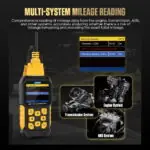
Cross-Module Mileage Comparison
Read available mileage values from supported engine, transmission, ABS, and instrument modules, then compare them with the dashboard value to identify possible inconsistencies.
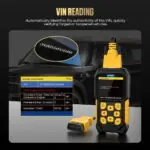
VIN Reading
Read the supported vehicle VIN to verify identity and compare the inspection record with the vehicle, its history, and external documents for possible mismatches.
Inspection Reports
Read mileage data from supported modules according to the vehicle and generate diagnostic reports for used-car checks, workshop service, rental verification, and owner inspections.
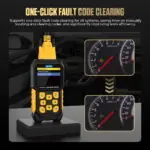
Supported OBD Fault-Code Functions
Save codes, freeze-frame data, and readiness status before clearing, then retest after the repair.
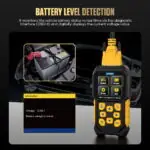
OBD-Port Voltage Display
Observe real-time supply voltage at the OBD-II diagnostic connector during inspection. This is a port-voltage reading, not a battery state-of-charge or state-of-health test.
Porsche-Specific References
On supported Porsche vehicles, read available historical mileage and high-RPM event information as inspection references. These records do not by themselves prove fraud, abuse, or mechanical condition.
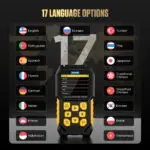
17-Language Interface
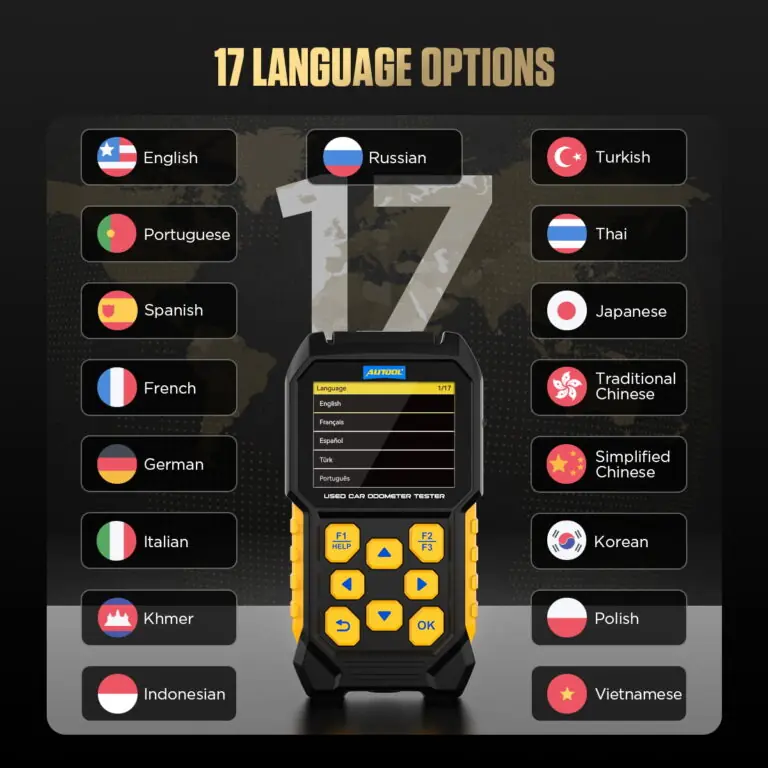
Choose from 17 listed interface languages for inspection and report review.
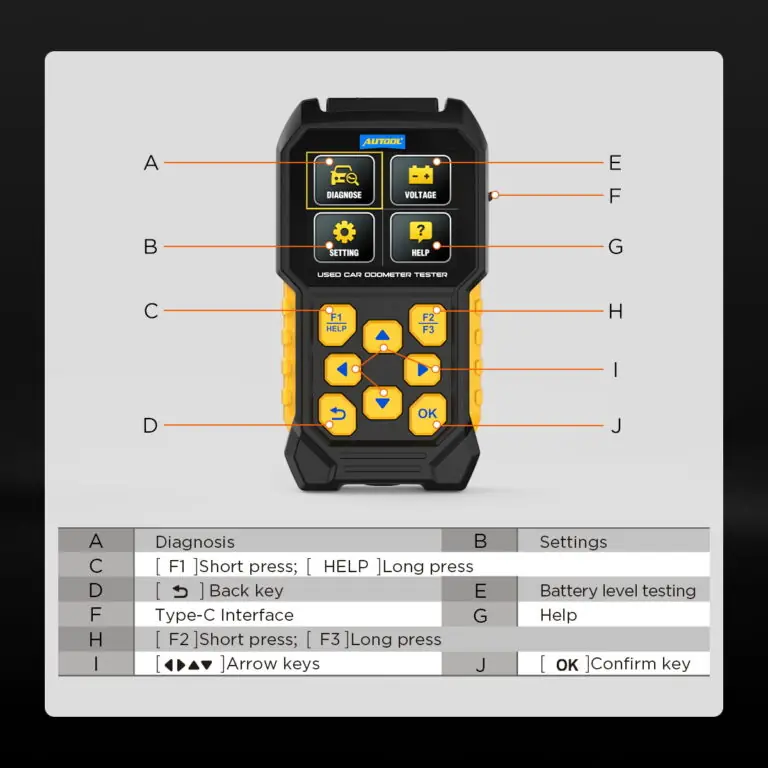
Type-C File Update
Connect the device to a computer, open the newly recognized drive, replace the DIAGNOSE folder with the package supplied for CS310, then power the device on again to complete the update.
Vehicle Coverage
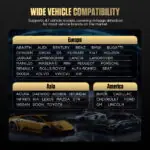
The listed software provides 47 vehicle-model options; confirm the required make, model, year, and module coverage before inspection.
Used-Car Inspection Applications
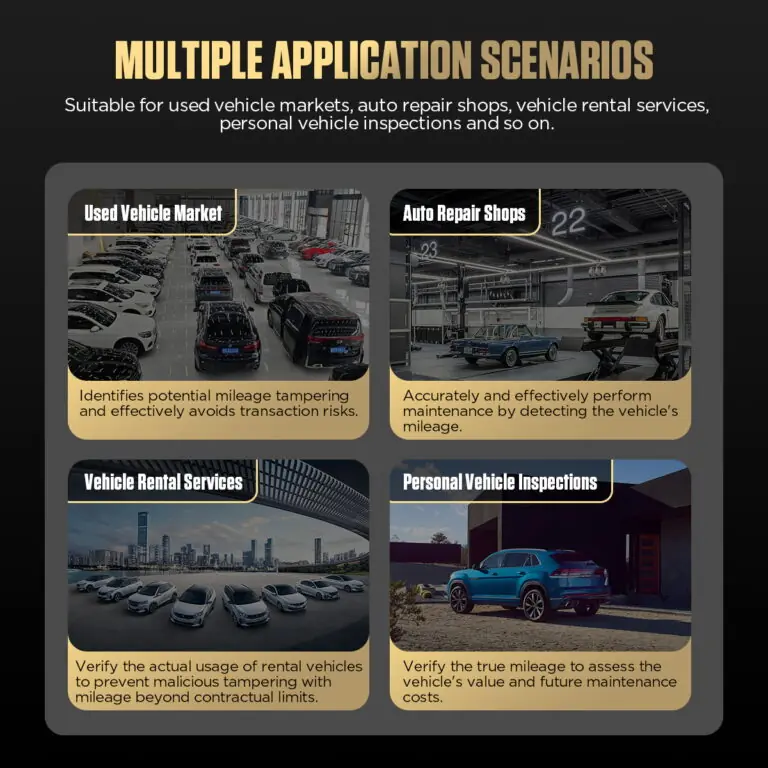
Use cross-module mileage, VIN, supported fault codes, reports, and Porsche reference data when screening a used car, planning workshop service, reviewing rental use, or assessing a personal vehicle. Investigate mileage differences with service history and a physical vehicle inspection.
3 Years Warranty Support
Main unit: 3-year warranty. Standard accessories: 1-year warranty. Warranty Policy.
How to Use
Set Up the Tool, Record and Verify
Confirm Coverage
Provide brand, model, year, exact mileage task, and required modules; confirm current CS310 software support.
Record Vehicle Identity
Connect with the vehicle safely parked and record the VIN and dashboard odometer.
Read Without Clearing
Capture supported module mileage, codes, freeze-frame or report data, voltage, errors, and unavailable modules before changing anything.
Compare And Flag
Compare readings by source and unit. Treat differences as investigation leads and matching readings as limited observations.
Complete The Inspection
Check history and maintenance records, readiness information, body and mechanical condition, and obtain an independent inspection where appropriate.
Safety & Compatibility
Keep Screening Results Within Their Limits
Confirm Vehicle Coverage
Check model-year, configuration, software version, module, and function coverage before ordering.
Do Not Claim True Mileage
The tool compares readable electronic values; replacement, updates, module logic, prior work, and unavailable data can affect interpretation.
Preserve Evidence Before Clearing
Save codes, freeze-frame data, and readiness status before clearing, then retest after the repair.
OBD-Port Voltage Check
Use OBD-port voltage as a quick supply-voltage check during the inspection.
Complete the Used-Car Inspection
Combine electronic screening with service history, body and structural inspection, mechanical checks, recall research, and a road test.
Specifications
Coverage, Range and Power Details
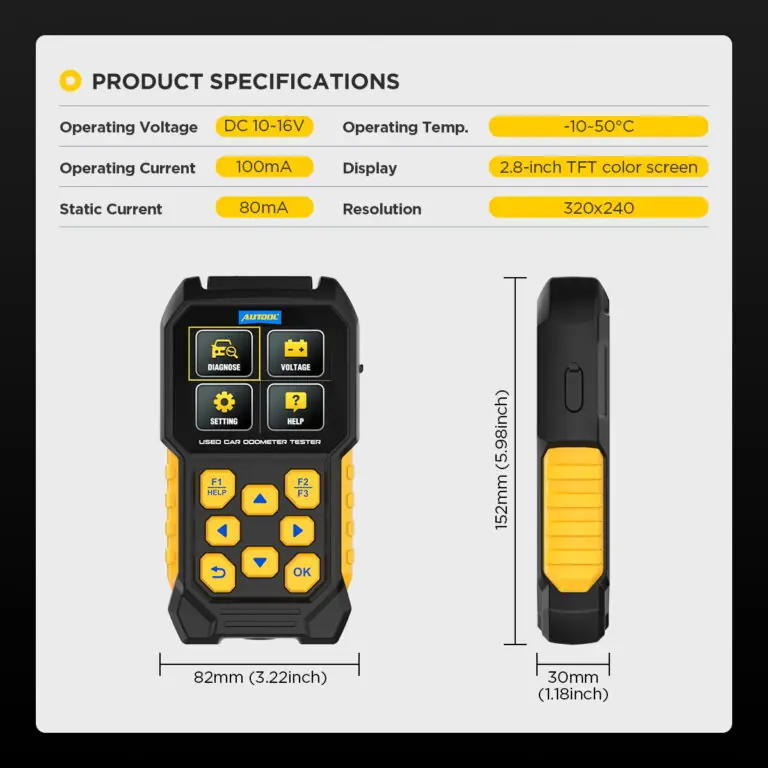
| Specification | Value |
|---|---|
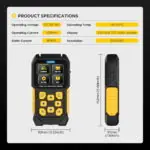
| Operating Voltage | DC 10–16 V |
| Display | 2.8-inch TFT color screen |
| Languages | 17 interface languages |
| Update Interface | Type-C; DIAGNOSE folder update process |
Manual & Support
Confirm Coverage and Update Requirements
AUTOOL CS310 User Manual
Open the PDF manual for CS310 vehicle connection, mileage comparison, supported fault-code checks and report handling, with inspection safety and troubleshooting support.
Package Contents
Check the Tool and Included Accessories
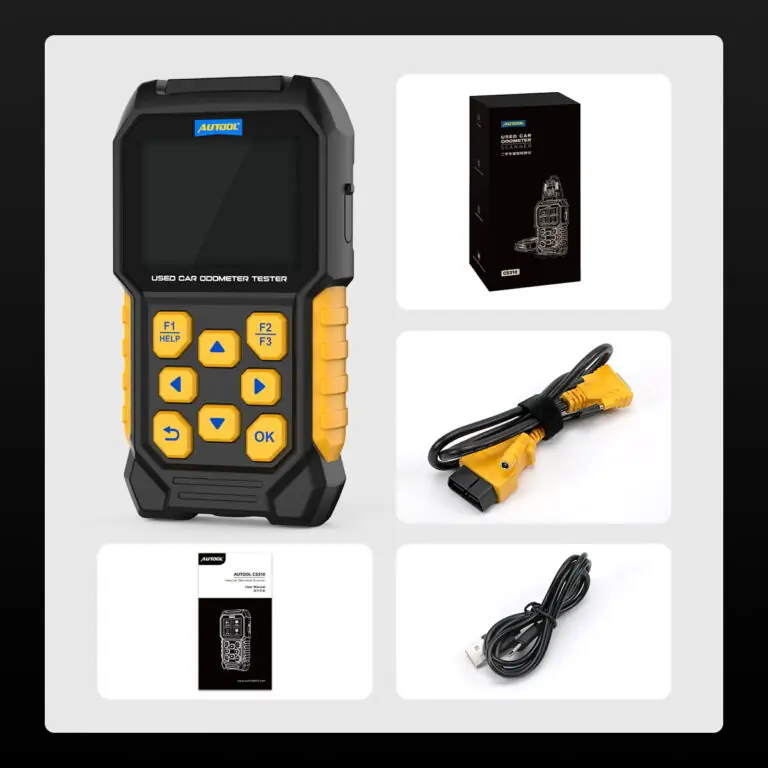
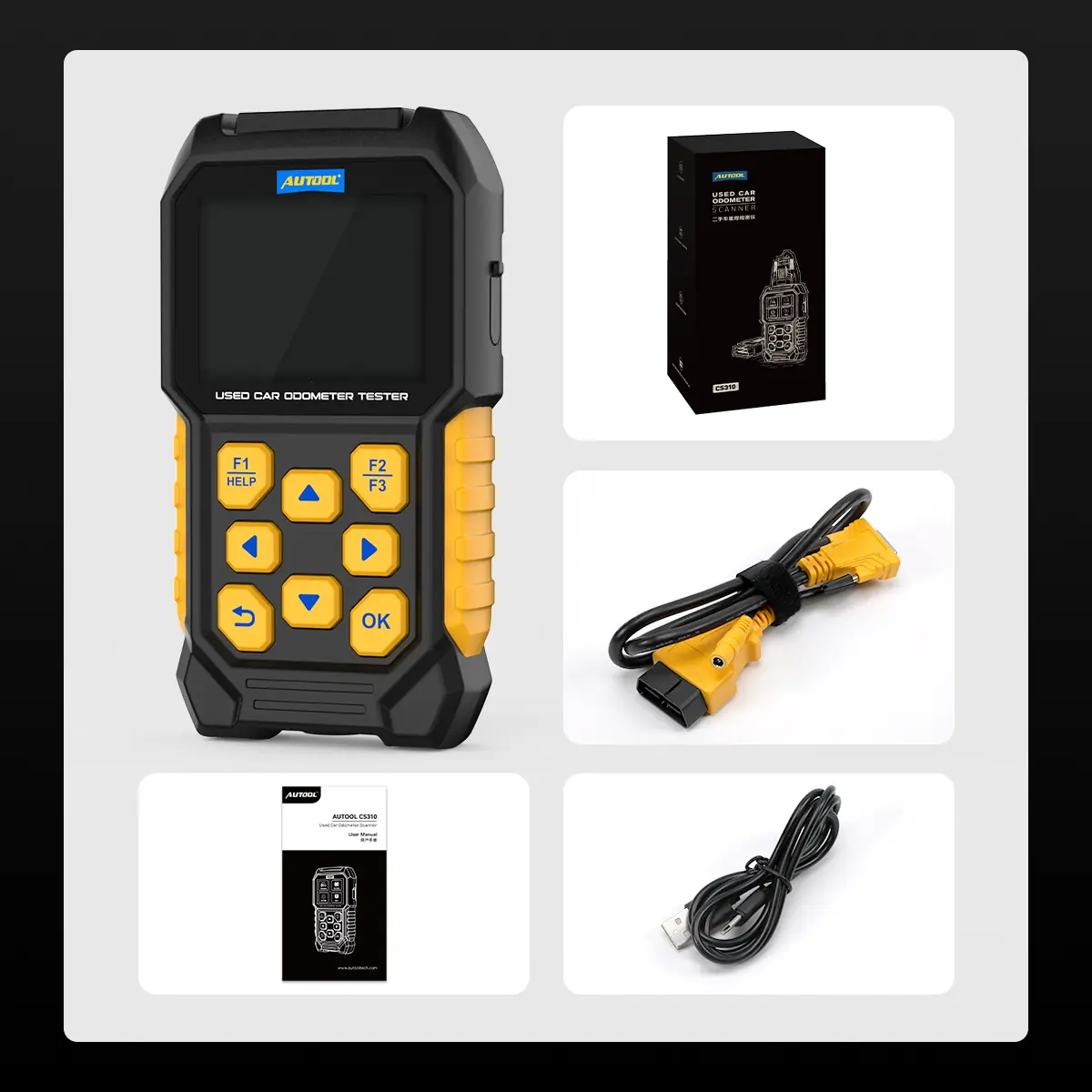
- CS310 Main UnitHandheld used-car odometer scanner with supported OBD screening.
- OBD-II ConnectorAttached diagnostic connector for compatible vehicle ports.
- Type-C InterfaceUpdate connection for the specified computer workflow.
- User ManualSetup, operation, update and safety instructions.
- Connector and WarrantyOBD-II diagnostic connector. · Main unit: 3-year warranty. Standard accessories: 1-year warranty. Warranty Policy.
FAQs
Coverage, Result and Use Questions
Can CS310 Change Or Correct Odometer Mileage?
No. CS310 is designed to read and compare mileage data for odometer tampering detection. It is an odometer reader and used-car mileage scanner, not a tool for changing or correcting odometer mileage.
How Does CS310 Detect Odometer Tampering?
CS310 reads mileage data from multiple vehicle systems, such as ECU, TCU, ABS, and instrument cluster, then compares these values with the dashboard odometer reading. Inconsistent mileage values can provide reference evidence for possible odometer tampering.
Compare mileage values from supported modules with the dashboard, then investigate any difference using service history and a physical vehicle inspection.
Which Vehicle Systems Can CS310 Read?
CS310 can read mileage data from supported systems such as ECU, TCU, ABS, and instrument cluster. Actual supported modules may vary by vehicle model and system configuration.
Does CS310 Support VIN Reading?
Yes. CS310 supports VIN code reading to help verify the vehicle identity and compare vehicle information with purchase records, maintenance history, or seller-provided details.
Can CS310 Clear Fault Codes?
Yes. CS310 supports one-click OBD fault code clearing, helping users quickly assess and clear basic system fault codes during inspection.
Save codes, freeze-frame data, and readiness status before clearing, then retest after the repair.
Does CS310 Support Porsche-Specific Checks?
Yes. CS310 supports Porsche-specific historical mileage data check and violent driving data check, providing additional reference data for mileage authenticity and engine-use assessment.
The product provides Porsche-specific historical mileage and high-RPM event references on supported vehicles. Confirm the exact model, year, module, and software coverage before purchase; these records do not by themselves prove fraud, abuse, or mechanical condition.
How Do I Upgrade CS310 Software?
Connect CS310 to a computer through the Type-C interface and wait for recognition. Open the newly recognized drive letter, replace the same-name folder with the downloaded upgrade folder named “DIAGNOSE”, then restart the device to complete the upgrade.
What Languages Does CS310 Support?
CS310 supports 17 languages: English, Portuguese, Spanish, French, German, Italian, Russian, Turkish, Thai, Japanese, Simplified Chinese, Traditional Chinese, Korean, Khmer, Polish, Indonesian, and Vietnamese.
What Should I Do If I Need Vehicle Compatibility Or Upgrade Support?
Contact AUTOOL support with your vehicle brand, model, year, and the function you need to confirm. For software support, ask for the latest DIAGNOSE upgrade folder and follow the Type-C upgrade process.
Do Matching Mileage Values Prove The Odometer Is Original?
No. They show only that the values read during this inspection did not reveal a difference. Review unavailable modules, maintenance and history records, readiness information, body and mechanical condition, and an independent inspection.
Does The Voltage Display Test Battery Health?
No. It shows voltage at the OBD connection. A complete 12 V battery assessment requires a suitable battery test method and conditions.
No reviews yetBe the first to share your experience with this product.