
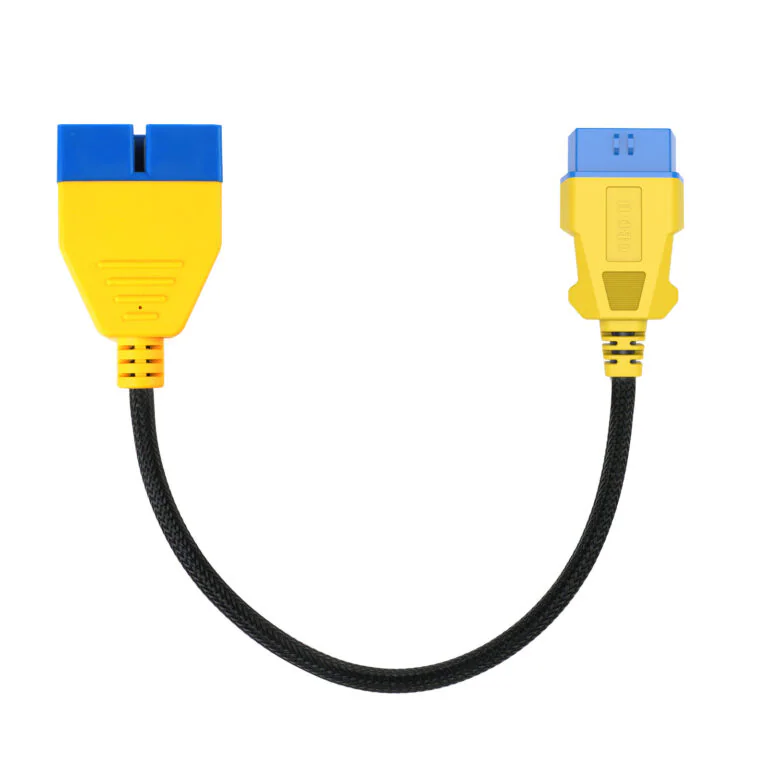
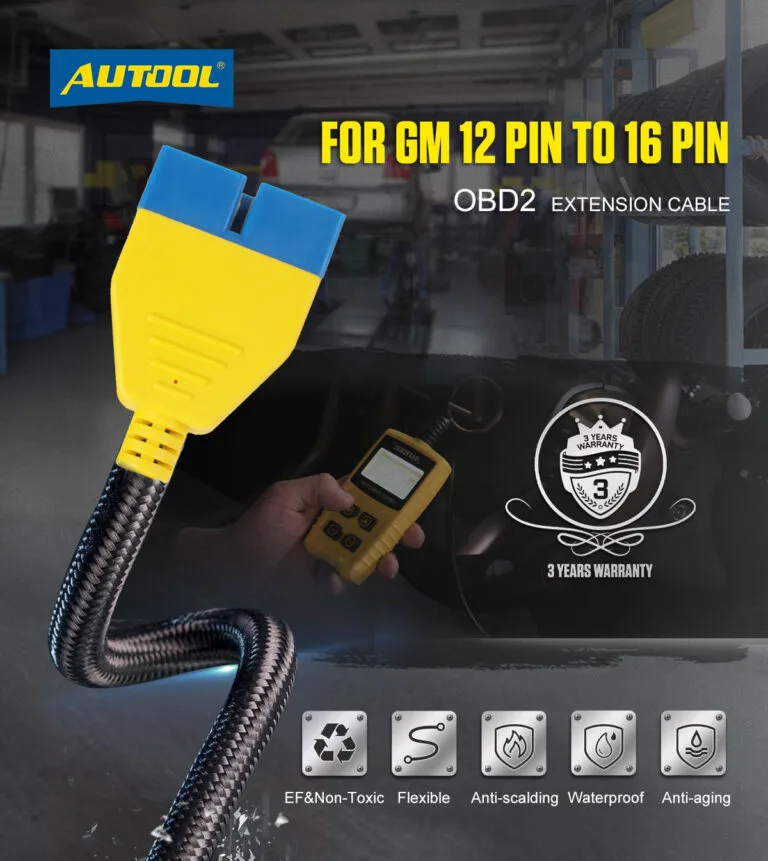
AUTOOL GM 12-Pin to 16-Pin 41cm OBD2 Adapter Cable
US$16.00
- GM 12-Pin to 16-Pin
- Compact 41 cm Extension
- Copper Core + Nylon Protection
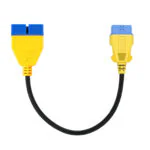
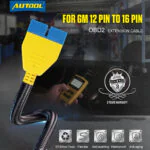
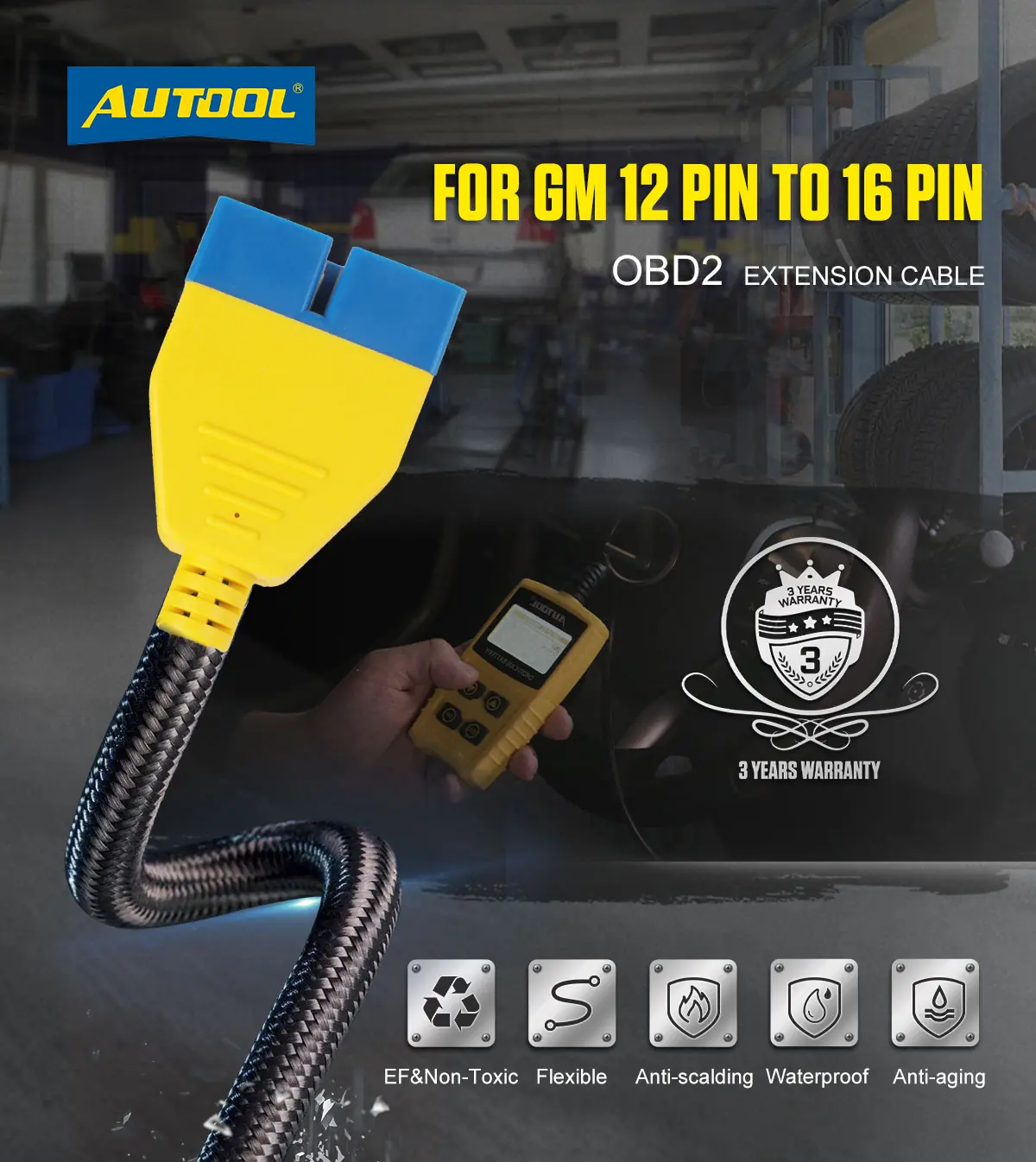
- GM 12-Pin to 16-Pin: Route a matching GM 12-pin vehicle socket to a compatible 16-pin OBD2 tool through this passive adapter.
- Compact 41 cm Extension: Add 41 cm of reach while reducing direct pulling at the vehicle port.
- Copper Core + Nylon Protection: Support signal routing with copper conductors and a reinforced nylon outer layer.
- GM 12-Pin to 16-Pin: Route a matching GM 12-pin vehicle socket to a compatible 16-pin OBD2 tool through this passive adapter.
- Compact 41 cm Extension: Add 41 cm of reach while reducing direct pulling at the vehicle port.
- Copper Core + Nylon Protection: Support signal routing with copper conductors and a reinforced nylon outer layer.
- 3-Year Warranty Main unit 3 years · Accessories 1 year
- 90-Day Returns Eligible returns within 90 days
- Official Store Genuine products · Direct support
AUTOOL GM OBD-II Adapter · 12-Pin to 16-Pin, 41 cm
Connect a GM 12-Pin Port to a 16-Pin Tool
Connect a matching GM 12-pin diagnostic socket to a compatible 16-pin tool with 41 cm of copper-core reach. This passive adapter routes existing signals only; protocol and diagnostic coverage still depend on the vehicle and scan tool.
- GM 12-Pin to 16-Pin Route
- 41 cm Cable
- Copper-Core Conductors
- Passive Adapter
- Single-Cable Package
Key Features
Adapt the Legacy Port with Compact Reach
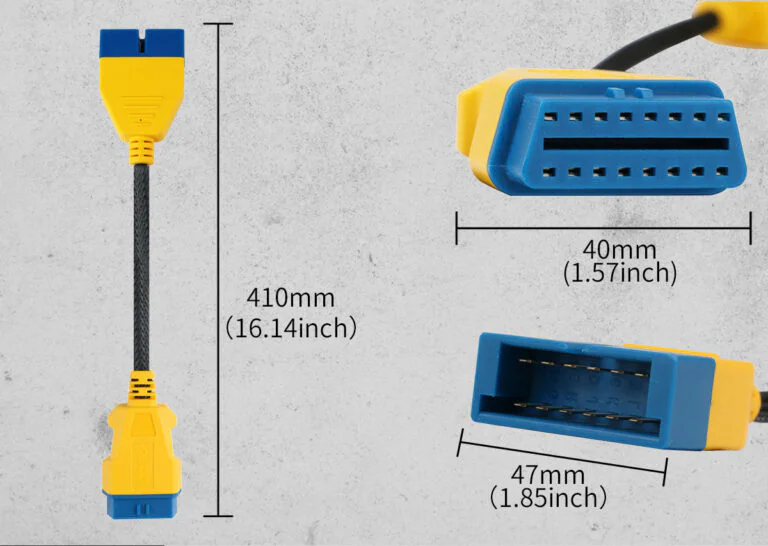
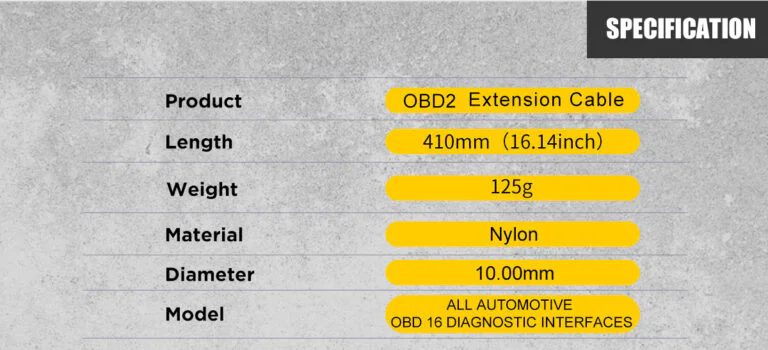
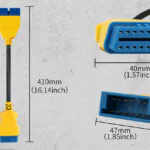
410mm Short Extension
The 41cm cable length helps reduce direct pulling on the vehicle diagnostic port while keeping the setup compact.
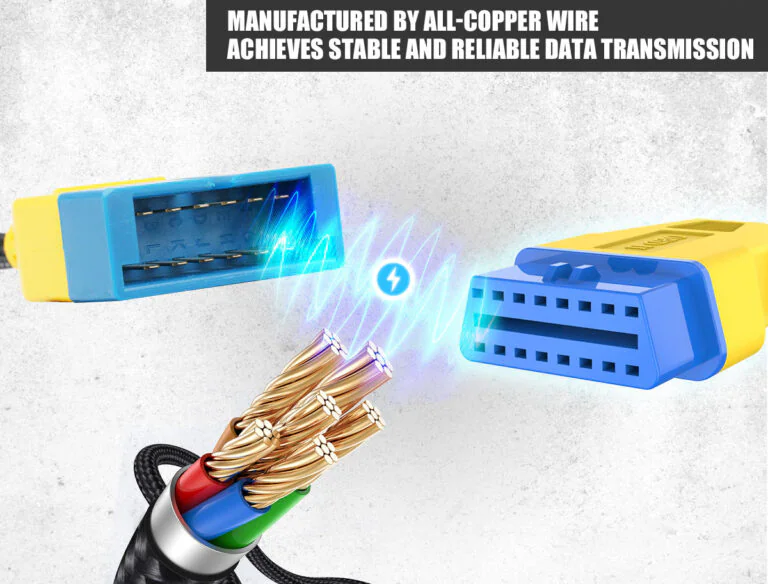
Copper Wire Core
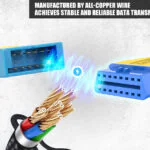
The cable uses copper wire conductors to support stable data transmission between the vehicle port and diagnostic equipment.
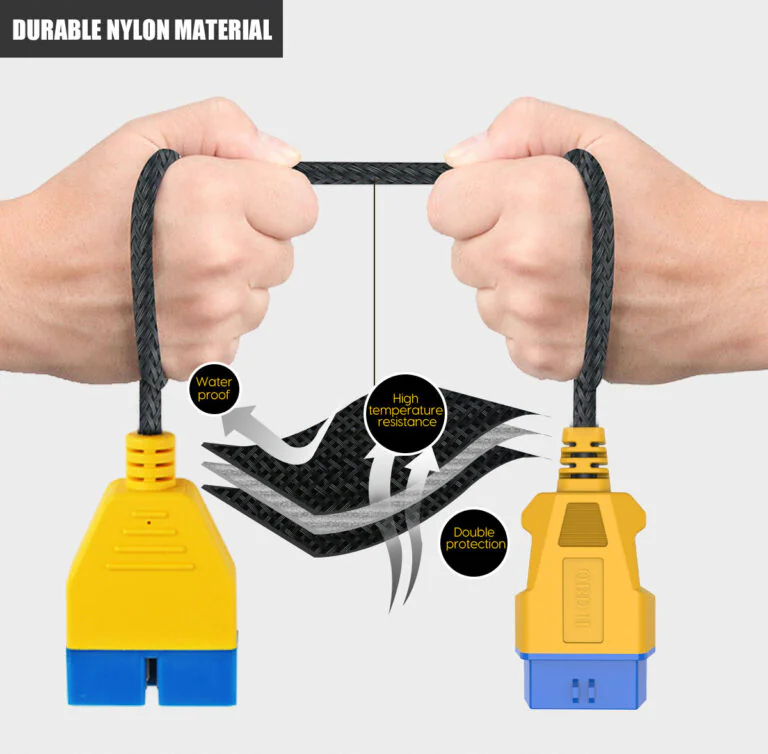
Nylon Braided Protection
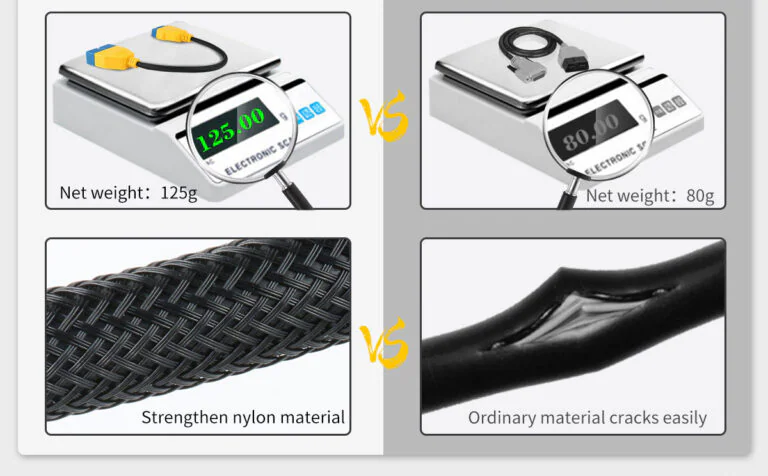
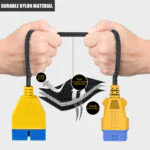
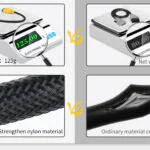
The reinforced nylon outer layer helps improve flexibility, wear resistance, and daily-use durability.
Lightweight Design
At about 125g, the cable is easy to store in a toolbox, diagnostic kit, or vehicle service bag.
Compact Connector Body
The connector shape is designed for quick plug-in use during diagnostic checks and maintenance work.
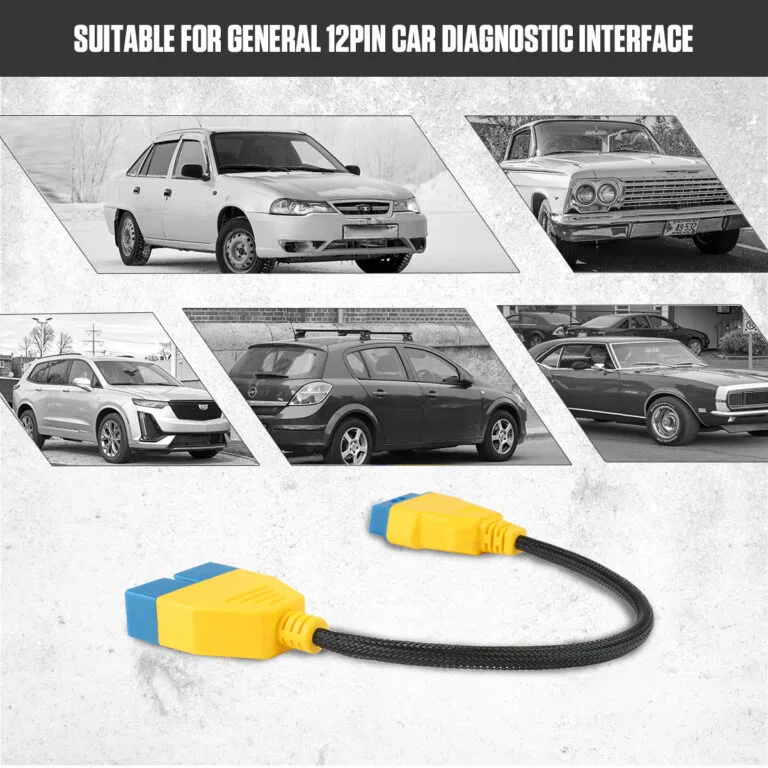
GM 12-Pin Diagnostic Connection
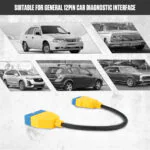
Use this cable only when the vehicle has a compatible GM 12-pin diagnostic interface.
The adapter connects a matching GM 12-pin vehicle socket to a compatible 16-pin OBD2 diagnostic tool using copper conductors.
Passive Adapter Connection
Routes the stated legacy connector pins to a compatible 16-pin diagnostic tool; the adapter adds no scan functions or protocol conversion.
Relaxed Cable Position
Keep the cable relaxed during testing and avoid bending the connector sharply at the vehicle port.
Hazard-Free Cable Routing
Do not route the cable near hot engine parts, moving belts, fans, or sharp metal edges during service.
3 Years Warranty Support
Main unit: 3-year warranty. Standard accessories: 1-year warranty. Warranty Policy.
How to Use
Connect, Route and Check Communication
Confirm The Vehicle Port
Confirm that the vehicle has a compatible GM 12-pin diagnostic interface before connecting the cable.
Identify the exact vehicle connector, year, and pinout; inspect it for damage.
Confirm The Tool Chain
Verify the scanner, software, protocol, module, task, and any authorization independently of the cable.
Connect Safely
Follow the vehicle and tool procedure, align connectors correctly, and never force a mismatched plug.
Route Without Strain
Position the cable away from pedals, sharp edges, heat, moving parts, and pinched trim.
Verify Communication
Run the intended read-only connection check first. If communication changes, remove added devices or the extension and compare direct connection.
Safety & Compatibility
Check Pin Fit, Routing and Power Limits
Cable Function
Use the cable for physical connection and routing; protocol and diagnostic functions come from the vehicle and connected tool.
Match the Pinout and Tool
Match the connector and pin routing to the vehicle and diagnostic tool.
Vehicle Movement
Keep all cable and device parts clear of pedals, steering, seat tracks, doors, and driving controls.
Electrical Load
Do not attach unknown or high-current devices to vehicle diagnostic power. Follow the vehicle and tool current limits.
Disconnect If Unstable
If a tool drops connection, overheats, resets, or changes vehicle behavior, stop and return to a known direct connection.
Specifications
Confirm Interface, Length and Quantity
| Specification | Value |
|---|---|
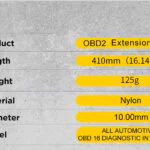
| Length | 41 cm |
| Connector Route | GM 12-pin → 16-pin diagnostic tool |
| Package Quantity | 1 adapter cable |
| Function | Passive physical extension / pin routing; no protocol conversion |
Manual & Support
Confirm Port, Pinout and Tool Fit
Manual Download Center
Visit the manual download center for connected-tool guidance, then confirm GM 12-pin fit, 16-pin connection and signal compatibility, with safe-use and troubleshooting guidance.
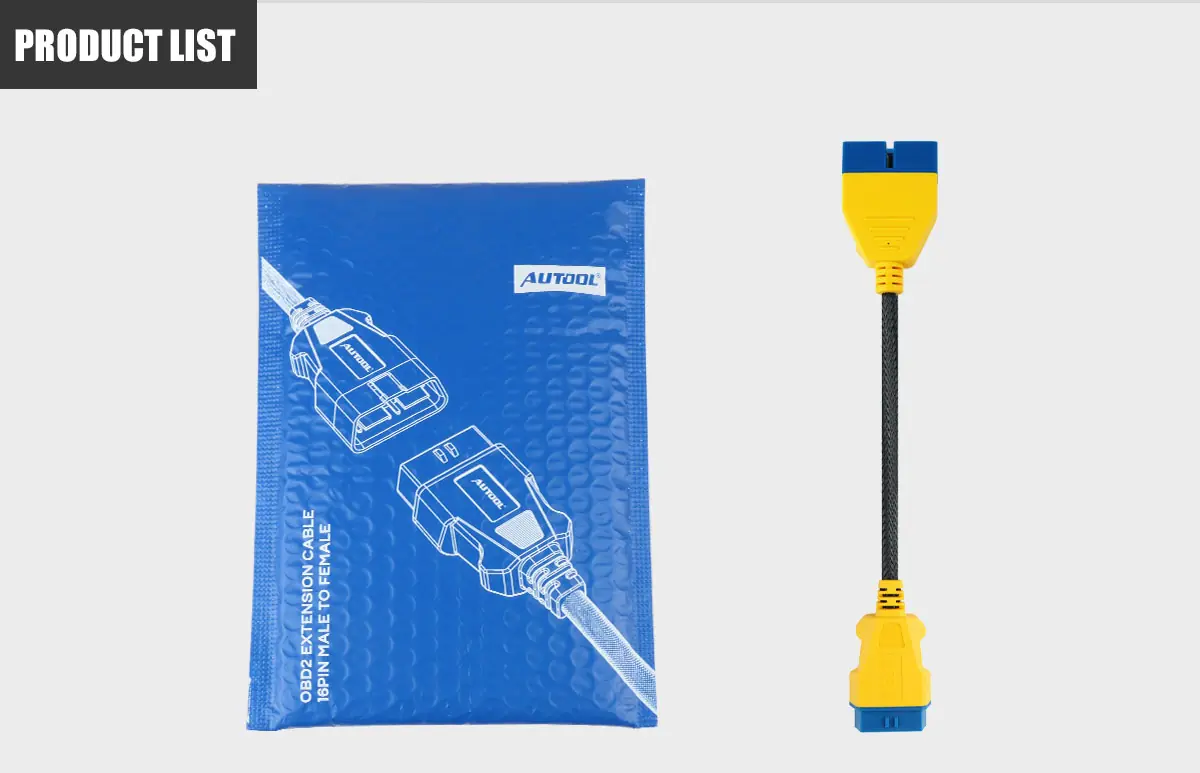
Package Contents
One Selected Cable
- Included Cable1 adapter cable; 41 cm; GM 12-pin → 16-pin diagnostic tool.
- Not IncludedDiagnostic scanner, software, licenses, vehicle, and unlisted adapters are not included.
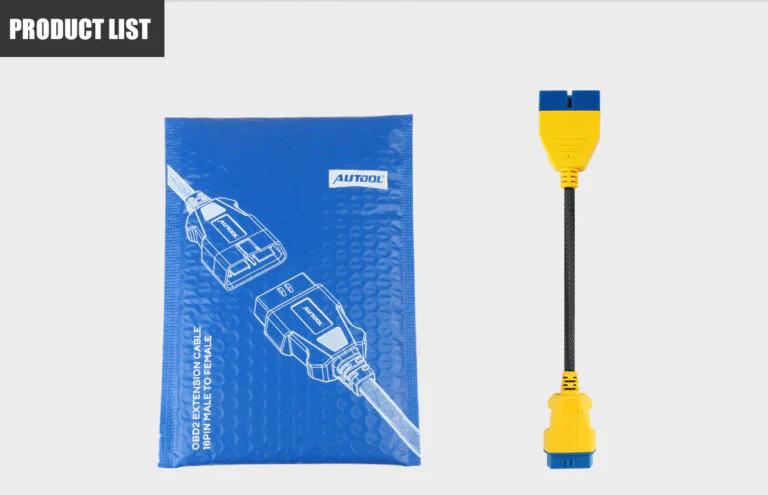
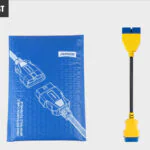
- Included ComponentsThe AUTOOL adapter cable and protective package are included. No diagnostic scanner is included.
- Main Item1× AUTOOL GM 12 pin to 16 pin OBD2 adapter cable ·
- PackagingProtective package
- Not IncludedDiagnostic scanner, vehicle ECU tool, and additional adapters are not included unless selected separately.
FAQs
Connector, Fit and Function Questions
Does This Cable Add Diagnostic Functions?
No. It only changes reach, routing, connector shape, or socket count. Available functions depend on the vehicle, pinout, scanner, software, protocol, and authorization.
Does The Adapter Convert The Vehicle Protocol?
No. The adapter routes a legacy vehicle connector to a 16-pin tool connection. The connected tool must support that vehicle, protocol, module, and task.
What Should I Confirm Before Ordering?
Confirm the exact vehicle connector and pinout, model year, cable length, scanner hardware, software and version, required module and task, and package quantity.
Can This Cable Program A Module By Itself?
No. It contains no diagnostic or programming electronics. Programming depends on a compatible interface, software, authorization, regulated power setup, and vehicle-specific procedure.
What If Communication Fails With The Cable Connected?
Stop the task, inspect connector alignment and pins, remove extra devices, and compare with a known direct connection. Then verify the vehicle, protocol, scanner, software, and authorization.
Can I Leave It Installed While Driving?
Only when the complete installation is approved for that use and cannot interfere with pedals, steering, trim, seat movement, or vehicle networks. For workshop-only tasks, disconnect it after testing.
No reviews yetBe the first to share your experience with this product.