
ภาษาและสกุลเงิน
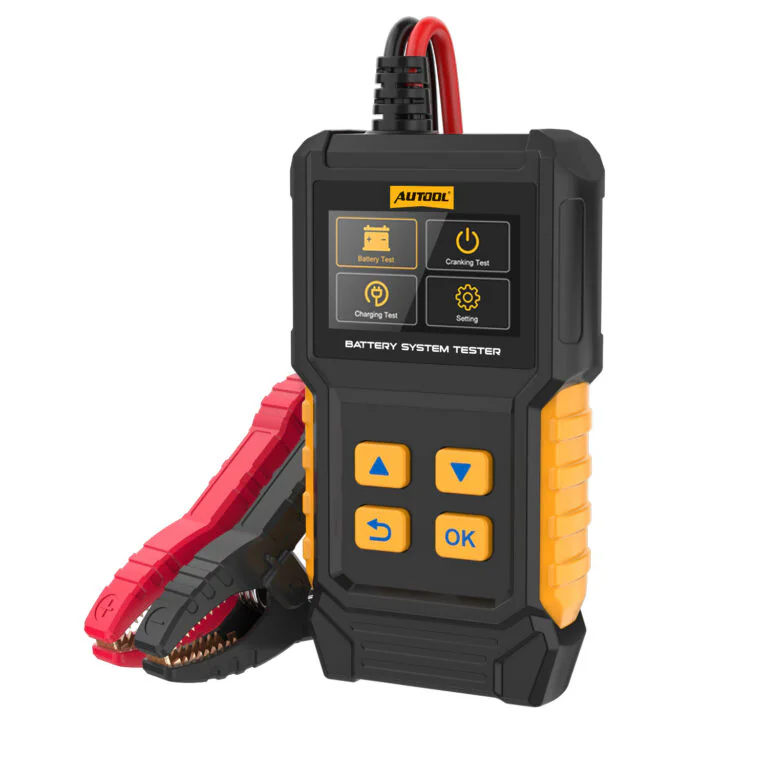
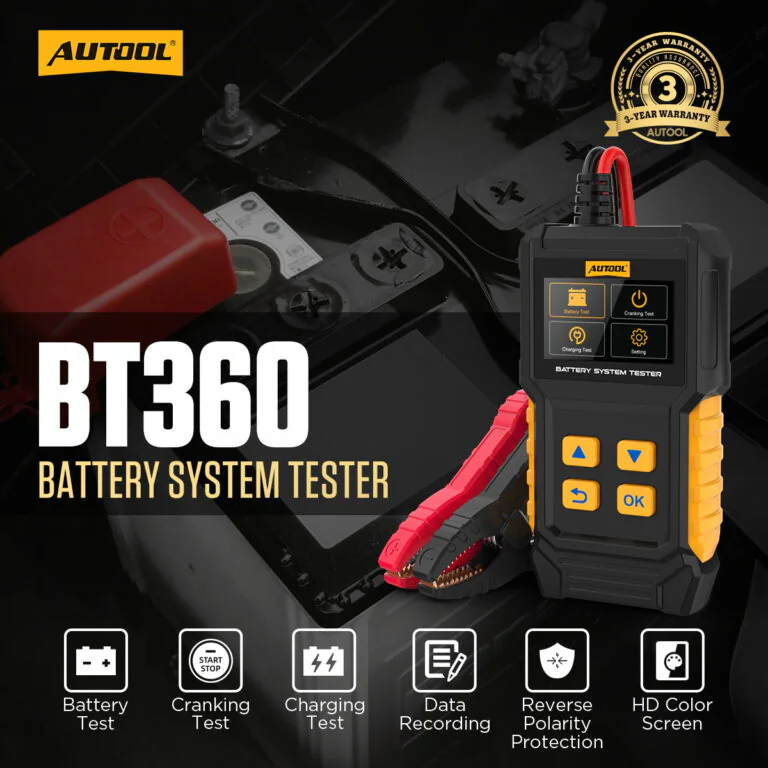

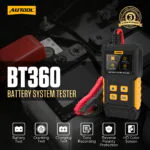

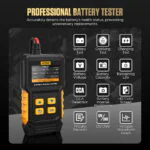




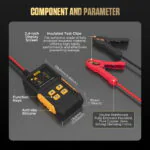
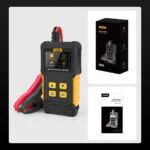
AUTOOL BT360 Digital Automotive Battery Tester
US$39.00
Key Features
- 12V Battery, Cranking + Charging
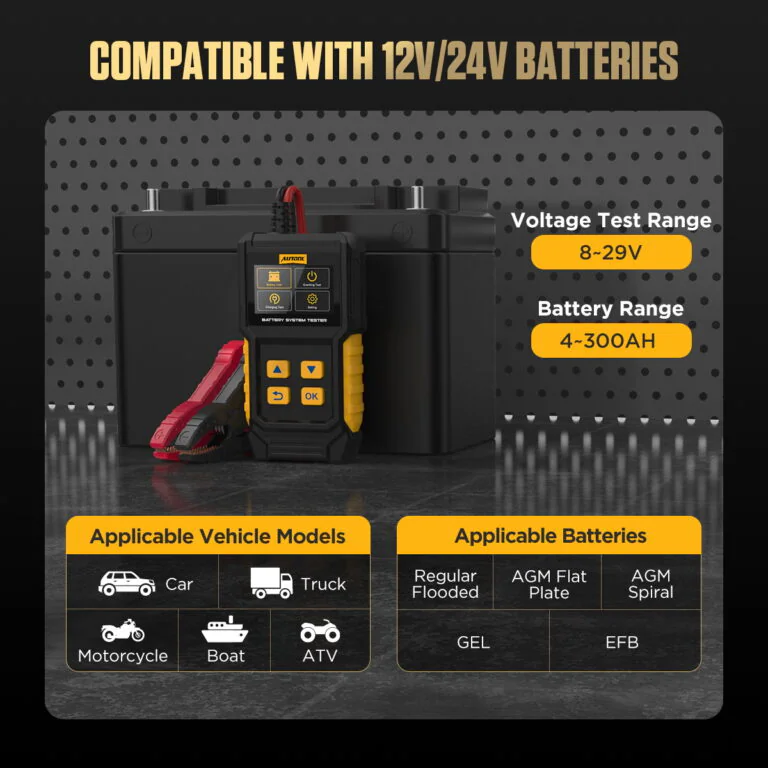
- Flooded, AGM, GEL + EFB
- Saved Records + Voltage Waveforms
- 2.4-Inch, 14-Language Display
- 12V Battery, Cranking + Charging: Assess 12V lead-acid battery condition, cranking performance, and charging-system behavior from one handheld tester.
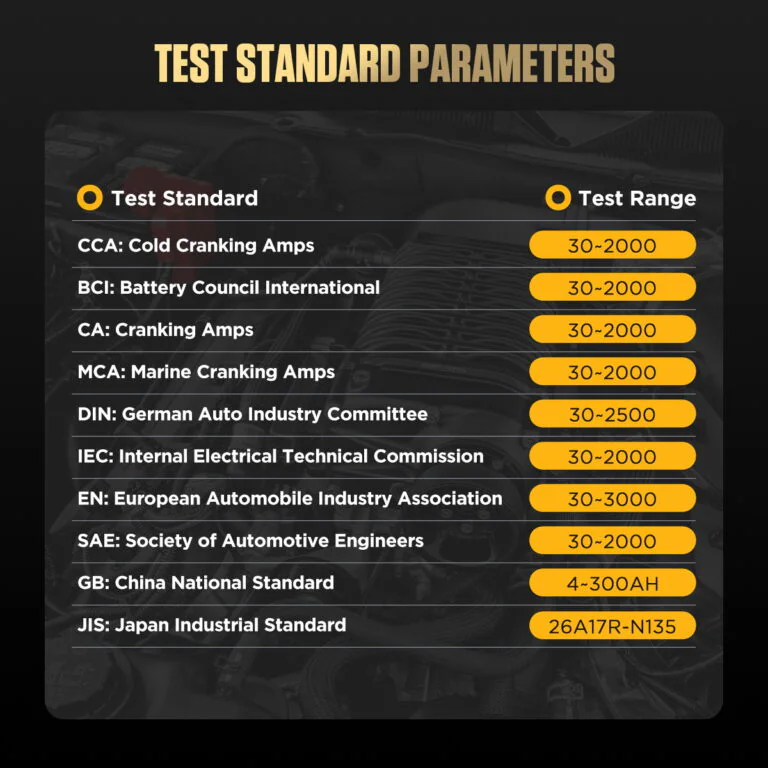
- Flooded, AGM, GEL + EFB: Select flooded, AGM, GEL, or EFB battery types and common rating standards such as CCA, DIN, and EN.
- Saved Records + Voltage Waveforms: Review saved test information and voltage waveforms after testing.
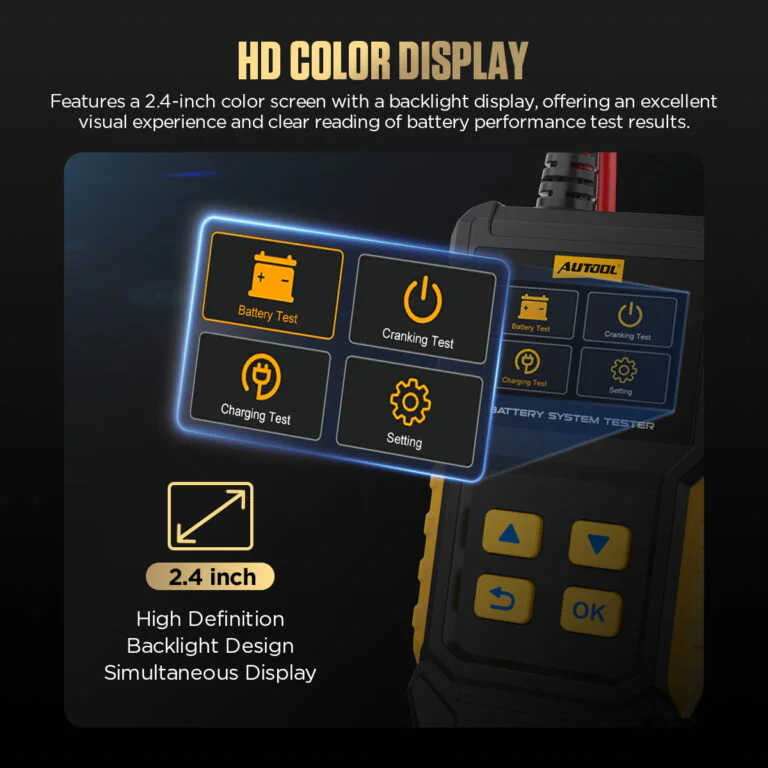
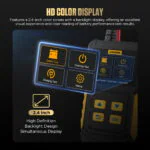
- 2.4-Inch, 14-Language Display: Read menus and results on a 2.4-inch color screen with 14 language options.
- 3- รับประกันปี ตัวเครื่องหลัก 3 ปี · อุปกรณ์เสริม 1 ปี
- 90-Day Returns สินค้าที่ส่งคืนต้องอยู่ในสภาพสมบูรณ์ภายใน 90 วัน
- ร้านค้าอย่างเป็นทางการ สินค้าแท้ · การสนับสนุนโดยตรง
AUTOOL BT360 · 12V Lead-Acid Battery Tester
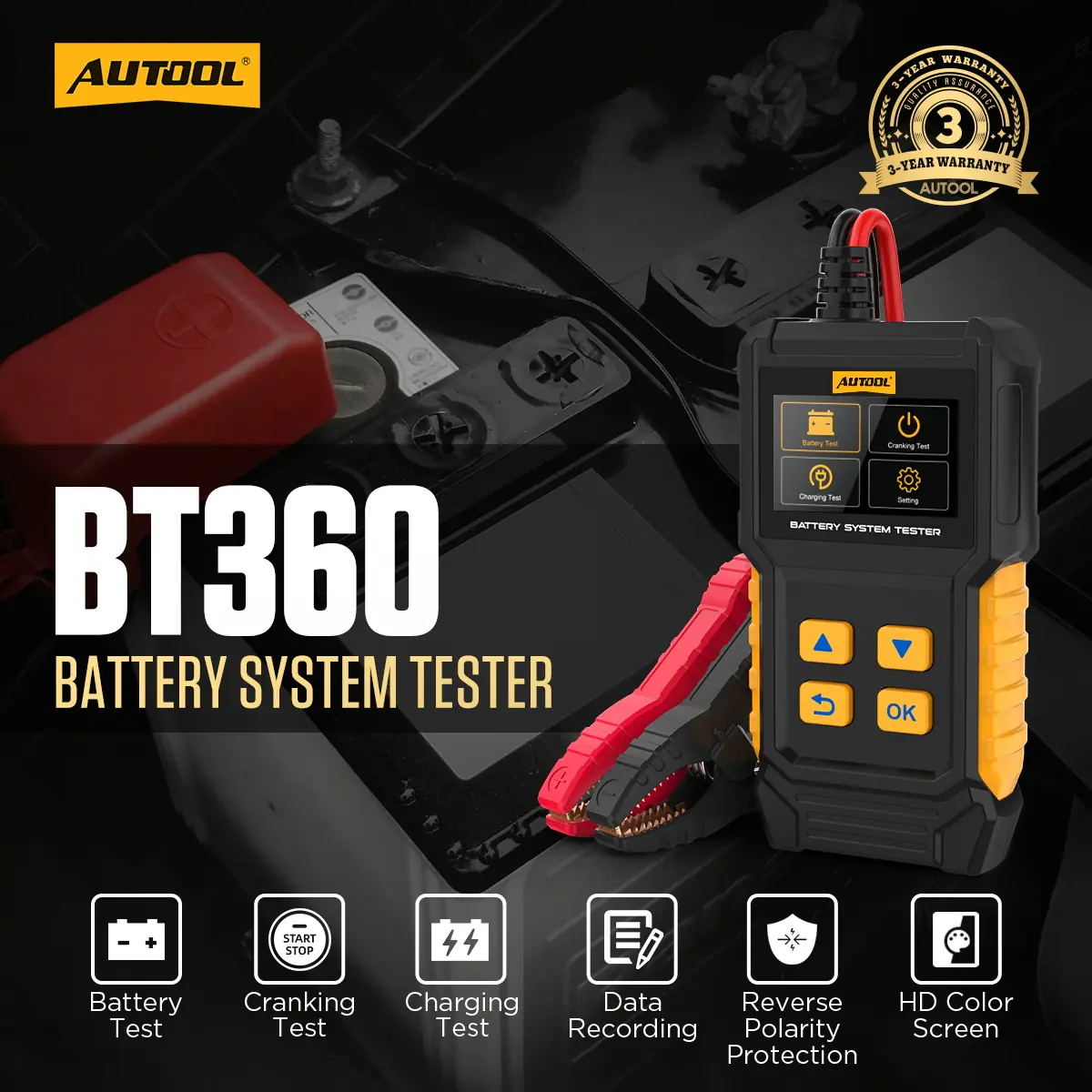
Check Battery, Cranking and Charging Together
Assess lead-acid battery condition, cranking performance, and charging-system behavior with this handheld automotive battery tester. BT360 supports flooded, AGM, GEL, and EFB starting batteries with common rating standards, then lets you review saved test information and voltage waveforms on its color display. It is designed for battery diagnosis and system checks rather than charging.
- Flooded / AGM / GEL / EFB
- Battery, Cranking And Charging Tests
- CCA / DIN / EN Standards
- Saved Results And Waveforms
- 2.4-Inch Color Screen
Key Features
Guided Lead-Acid System Checks
Battery Health & Conductance
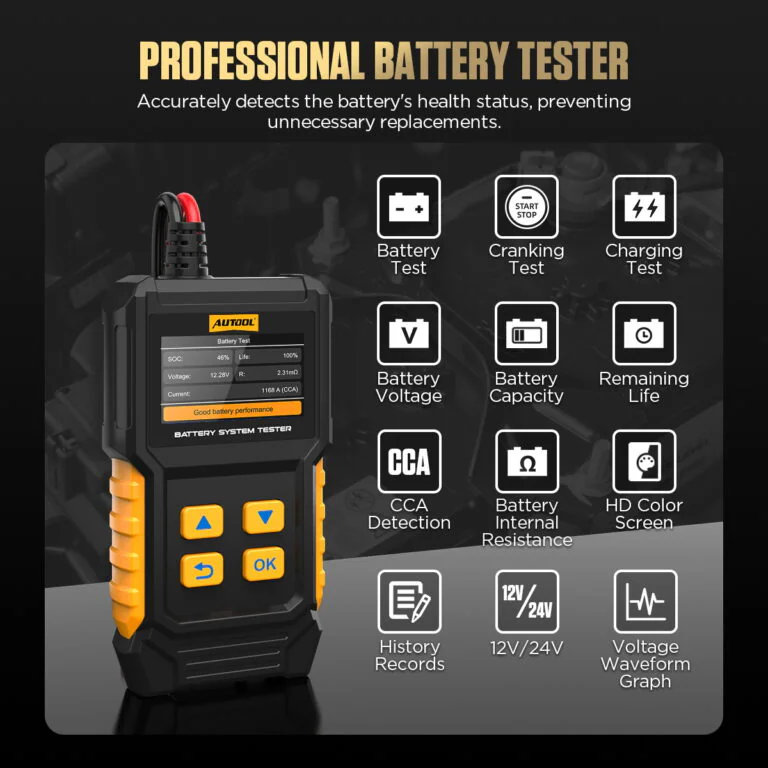
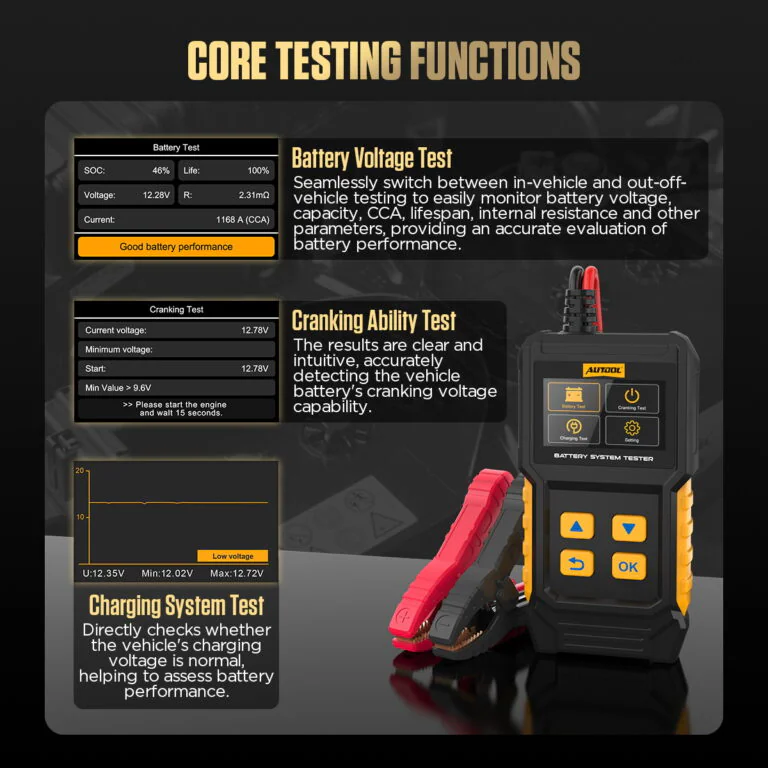
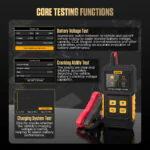
Check voltage, capacity status, CCA, internal resistance, and remaining-life information. BT360 measures electrical conductance as an indicator of battery-plate reaction ability, compares it with reference values for a battery in good condition, and uses the result to estimate health, capacity change, and cold-cranking capability. Treat the on-screen suggestion as a next-step guide for further inspection or replacement, not as a complete diagnosis.
Cranking Ability Test
After selecting Cranking Test, follow the prompt to start the engine. BT360 helps evaluate the vehicle battery’s cranking voltage capability.
Charging System Test
After entering Charging Test, follow the prompt to increase speed to about 2500 RPM for 5 seconds, then press OK to complete the test.
Lead-Acid Battery Coverage
Use BT360 with supported 12V/24V lead-acid starting-battery systems, selecting the correct flooded, AGM, GEL, or EFB battery type before testing.
Data Records And Waveform
Review saved battery-test information and voltage waveforms after testing.
14 ตัวเลือกภาษา
Supports English, Portuguese, Spanish, French, German, Italian, Russian, Turkish, Thai, Japanese, Traditional Chinese, Simplified Chinese, Korean, and Polish.
USB Software Updates
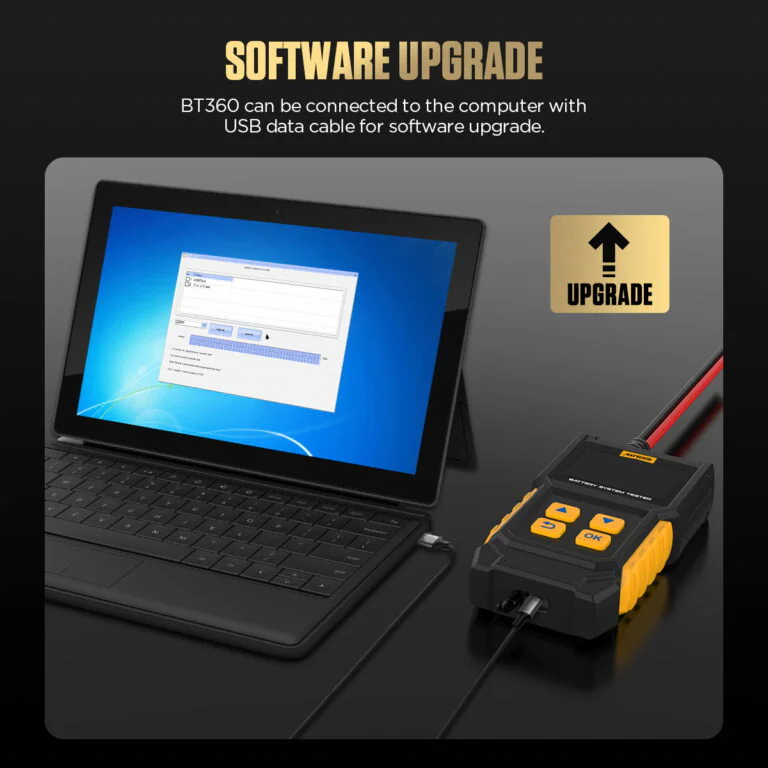
Connect the BT360 to a computer with a USB data cable for applicable software updates.
2.4-Inch Color Screen
Read battery-test menus, prompts, and results on the 2.4-inch color display.
การป้องกันขั้วย้อนกลับ
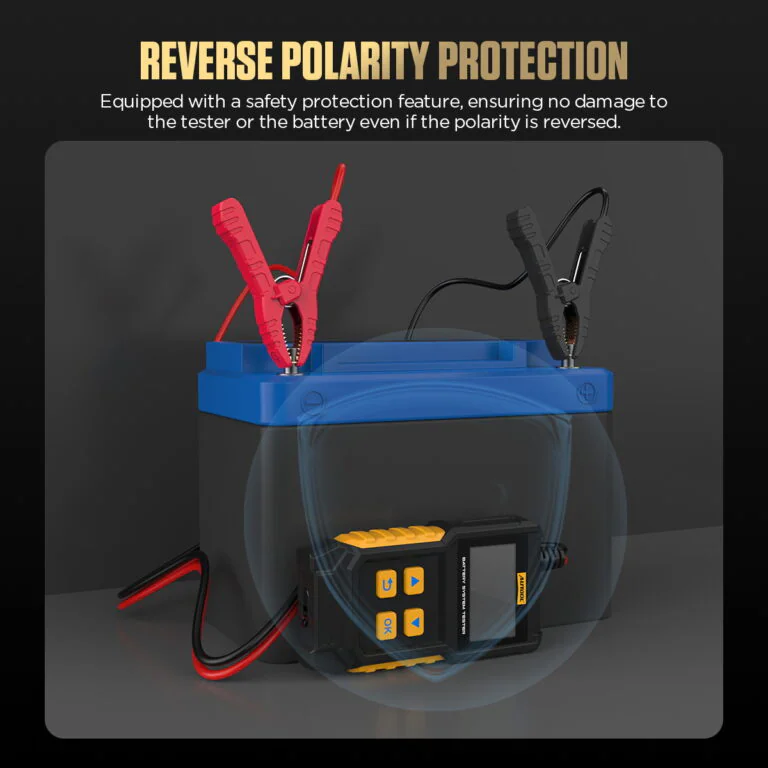
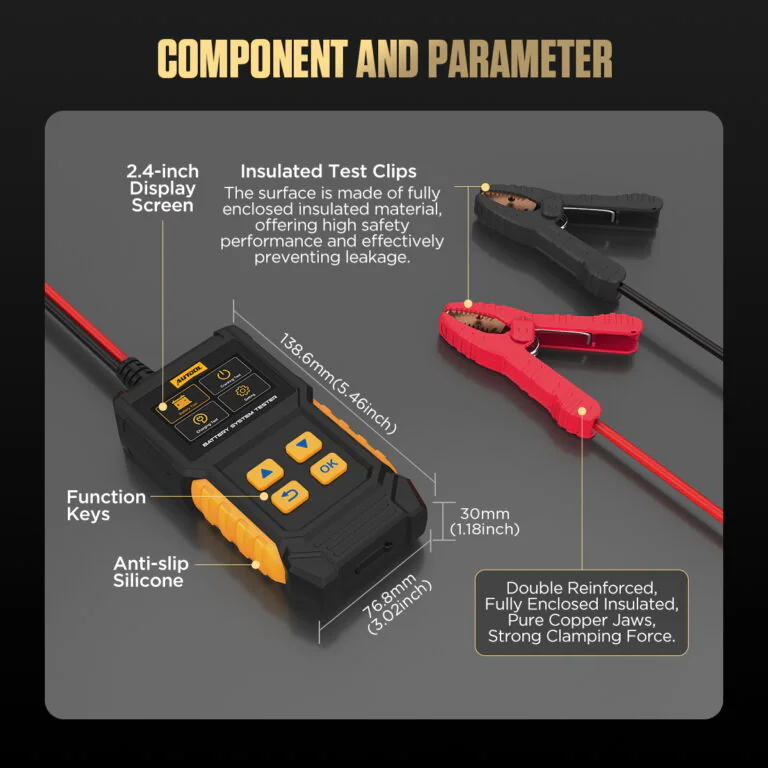
Built-in reverse-polarity protection helps protect the tester if the battery clamps are connected incorrectly.
Selectable Battery Standards
Choose the battery rating standard, including CCA, DIN, or EN, to match the battery label; BT360 supports common global battery test standards.
Handheld Test Design
A compact body, dedicated buttons, insulated clamps, and quick on-screen results support convenient battery-test setup for technicians and DIY users.
รับประกัน 3 ปี
ตัวเครื่องหลัก: รับประกัน 3 ปี อุปกรณ์เสริมมาตรฐาน: รับประกัน 1 ปีนโยบายการรับประกัน
เวิร์กโฟลว์การบริการ
Identify, Connect, Test and Review
ความคืบหน้าทีละขั้นตอน1 / 5
01
Prepare The Vehicle
For Battery Test, switch the vehicle off, place the transmission in Park or Neutral as applicable, engage the handbrake, and keep the work area dry, clean, bright, and ventilated. Do not connect or disconnect the tester while the ignition is on or the engine is running unless the selected cranking or charging test procedure specifically requires that operating state, and do not leave the vehicle unattended during testing.
02
Connect The Battery
Connect the red clip to the positive battery terminal and the black clip to the negative battery terminal.
03
Select Test Settings
Choose the battery type, the correct test standard, and the test range according to the battery label.
04
ทำการทดสอบแบตเตอรี่
After setup, BT360 displays the battery test result within a few seconds and provides suggested result information.
05
Run Cranking Or Charging Test
For Cranking Test, follow the prompt to start the engine. For Charging Test, follow the prompt to raise speed to about 2500 RPM for 5 seconds, then press OK.
การใช้งานที่ปลอดภัย
Test Within the Battery and Voltage Limits
Tester, Not Charger
BT360 can run a charging system test, but it does not charge batteries. It is not a battery charger or battery maintainer.
Lithium Batteries Not Supported
BT360 is intended for supported lead-acid starting batteries. Choose BT960 if lithium battery support is required.
No Maximum Load Test
BT360 supports Battery Test, Cranking Test, and Charging System Test. It does not support Maximum Load Test.
การเชื่อมต่อแคลมป์ที่ถูกต้อง
Connect the red clip to the positive terminal and the black clip to the negative terminal. Reverse polarity protection helps protect the tester, vehicle, and battery, but correct connection is still recommended.
Battery Test With Vehicle Off
When performing a battery test, make sure the vehicle is off first. Follow the device prompts for cranking and charging tests.
New And Old Versions Ship Randomly
BT360 new and old versions may be shipped randomly. The functions are the same; only the color screen and LED screen appearance are different.
Use the Battery Test Results
Use CCA, SOC and health indicators with the battery rating, charge state and vehicle test results to choose the next service step. These algorithm-based indicators are not controlled amp-hour measurements.
Inspect the Cables Before Use
Do not use the tester if the power cable or connection cable is damaged.
คู่มือผลลัพธ์
Read the Result Before Deciding the Next Step
แรงดันไฟฟ้าที่วัดได้
Review displayed voltage with battery charge state, temperature and terminal condition.
CCA or Conductance Output
Compare the tester’s algorithm output with the rating standard and value entered from the battery label. Repeat unexpected results after checking terminal contact and charge state.
SOC and Health/Life
Treat SOC and health, life or capacity-like percentages as model-generated indicators rather than measured remaining amp-hours or an exact service-life forecast.
Cranking and Charging
Keep cranking voltage, running-system voltage and loaded-system observations separate. Use the vehicle procedure and operating state to decide the next check.
เปรียบเทียบรุ่น
Choose the Right Battery System Tester
คู่มือรุ่น
Choose one or more models. BT360 is selected by default.
เลือก 1 รุ่น
ยังไม่ได้เลือกโมเดล โปรดเลือกโมเดลเพื่อเปรียบเทียบ
| ชื่อสินค้า | BT360 | BT460 | BT760 | BT880 | BT960 |
|---|---|---|---|---|---|
| Tests, Monitoring & Protection | |||||
| การทดสอบแบตเตอรี่ | ✓ | ✓ | ✓ | ✓ | ✓ |
| การทดสอบการเหวี่ยง | ✓ | ✓ | ✓ | ✓ | ✓ |
| Charging System Test | ✓ | ✓ | ✓ | ✓ | ✓ |
| ชาร์จแบตเตอรี่ | × | × | × | × | × |
| การป้องกันขั้วข้อมูลย้อนกลับ | ✓ | ✓ | ✓ | ✓ | ✓ |
| การทดสอบรับน้ำหนักสูงสุด | × | ✓ | ✓ | ✓ | ✓ |
| Thermal Monitor | × | × | × | ✓ | ✓ |
| การตรวจสอบกระแสไฟรั่ว | × | × | × | ✓ | ✓ |
| Battery Compatibility & Ranges | |||||
| Conventional Lead-acid Batteries | ✓ | ✓ | ✓ | ✓ | ✓ |
| AGM Flat Plate Batteries | ✓ | ✓ | ✓ | ✓ | ✓ |
| AGM Spiral Batteries | ✓ | ✓ | ✓ | ✓ | ✓ |
| แบตเตอรี่เจล | ✓ | ✓ | ✓ | ✓ | ✓ |
| EFB Enhanced Flooded Batteries | ✓ | ✓ | ✓ | ✓ | ✓ |
| แบตเตอรี่ลิเธียม | × | × | × | × | ✓ |
| Test Range(CCA) | 30~2000 CCA | 30~2000 CCA | 30~2000 CCA | 30~2000 CCA | 30~2000 CCA |
| Applicable Battery Rated Voltage | 12V | 12V / 24V | 12V / 24V | 12V / 24V | 12V / 24V |
| ช่วงการทดสอบแรงดันไฟฟ้า | 8-20V | 8 ~ 30V | 8 ~ 30V | 8 ~ 30V | 0 ~ 80V |
| Interface, Records & Power | |||||
| การพิมพ์ข้อมูล | × | × | ✓ | ✓ | ✓ |
| บันทึกข้อมูล | ✓ | ✓ | ✓ | ✓ | ✓ |
| อัพเกรดซอฟต์แวร์ | ✓ | ✓ | × | ✓ | ✓ |
| จอสี | ✓ | ✓ | ✓ | ✓ | ✓ |
| ขนาดหน้าจอ | 2.4 นิ้ว | 2.8inch | 3.2 นิ้ว | 3.2 นิ้ว | 3.2 นิ้ว |
| มีหลายภาษา | 14 | 14 | 14 | 18 | 14 |
| พาวเวอร์ซัพพลาย | เชื่อมต่อแบตเตอรี่ 12V | เชื่อมต่อแบตเตอรี่ 12V | เชื่อมต่อแบตเตอรี่ 12V | เชื่อมต่อแบตเตอรี่ 12V | แบตเตอรี่เซลล์แห้ง Type-c Power Supply เชื่อมต่อแบตเตอรี่ 12V |
คู่มือและฝ่ายสนับสนุน
ค้นหาคู่มือ เอกสาร และข้อมูลสนับสนุนผลิตภัณฑ์
AUTOOL BT360 User Manual
เปิดคู่มือฉบับ PDF สำหรับ AUTOOL BT360 battery health, cranking and charging tests, rating selection, saved records, waveform review, safe connection and troubleshooting support.
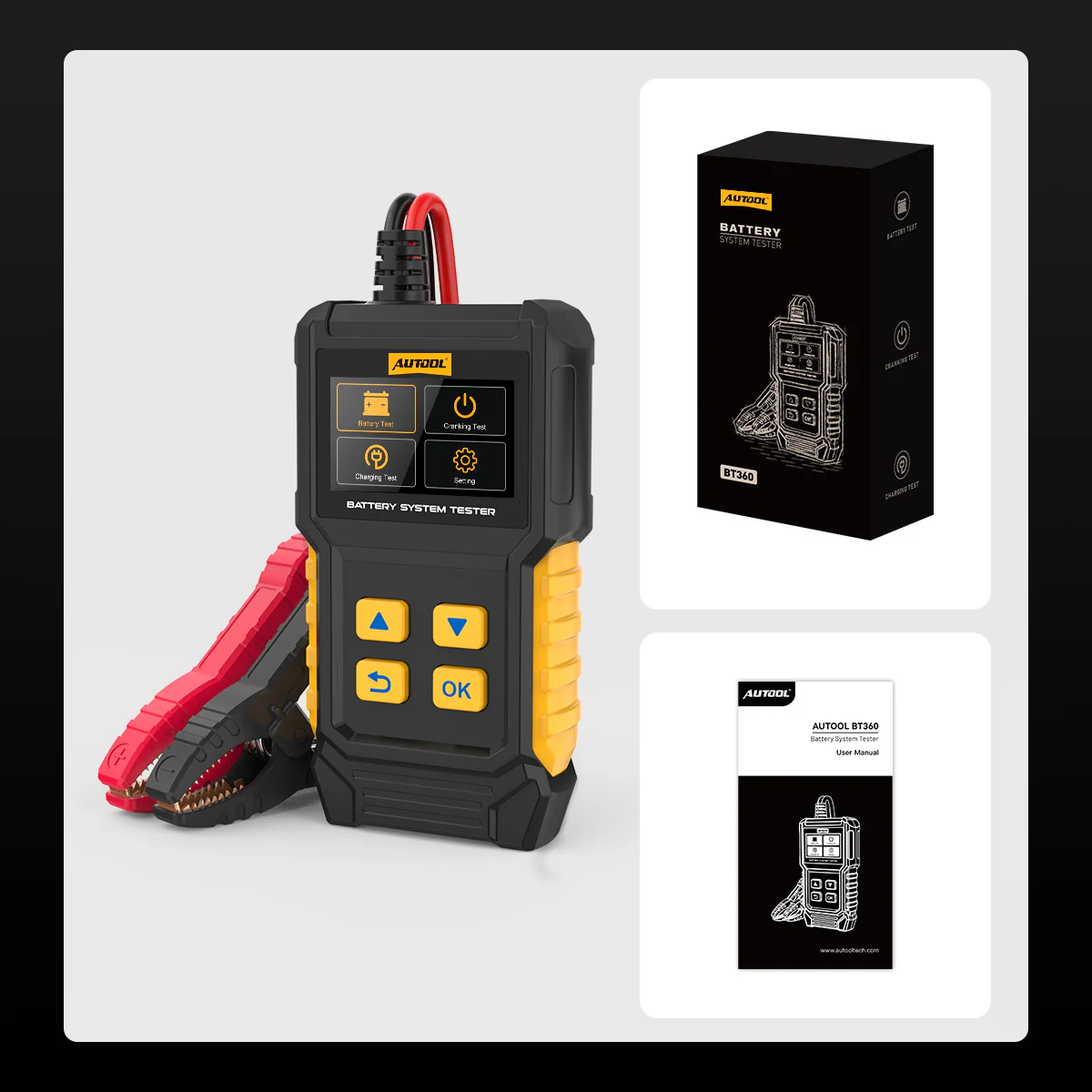
บรรจุภัณฑ์
ดูว่ามีอะไรอยู่ในกล่องบ้าง
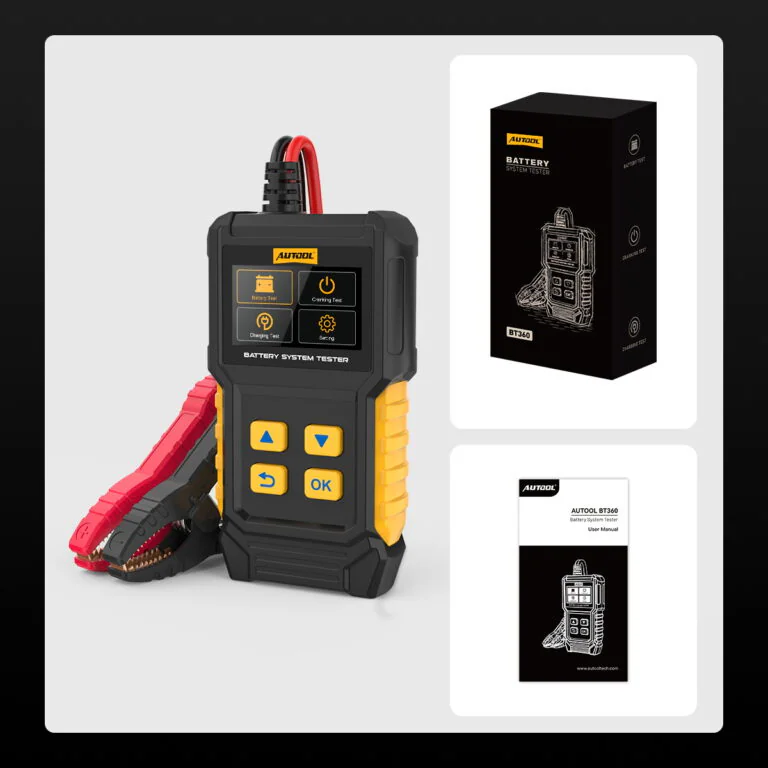
- หน่วยงานหลักAUTOOL BT360 battery and system tester
- สายยึดIntegrated red and black battery clamp cable
- เอกสารคู่มือการใช้
- บรรจุภัณฑ์BT360 retail box
- เตือนAdditional accessories depend on the selected product option.
คำถามจากผู้ซื้อ
Battery Test, Fit and Result Questions
อะไรสามารถ AUTOOL BT360 Test?
BT360 supports Battery Test, Cranking Test, and Charging System Test. It helps evaluate battery health, cranking voltage capability, and whether the vehicle charging voltage is normal.
Is BT360 A Battery Charger?
No. BT360 is a battery system tester. It can run a charging system test, but it does not charge the battery and should not be used as a battery charger or maintainer.
Does BT360 Support Lithium Batteries?
No. BT360 does not support lithium batteries. Choose BT960 if lithium battery support is required.
Why May The Screen Or Appearance Look Different?
BT360 new and old versions may be shipped randomly. The functions are the same; only the color screen and LED screen appearance are different. Please refer to the actual unit received.
What Battery Types Can BT360 Test?
BT360 supports regular flooded lead-acid, AGM flat plate, AGM spiral, GEL, and EFB batteries when the battery voltage and test range are compatible. It is not for lithium batteries.
Does BT360 Support 24V Batteries?
Check the supplied manual and product label for the rated battery-system voltage and input range before testing. Do not assume 24 V battery support.
Does BT360 Support Maximum Load Test?
No. BT360 does not support Maximum Load Test. Compare BT460, BT760, BT880, or BT960 if this function is needed.
Which Test Standards Are Supported?
BT360 supports common standards including CCA, BCI, CA, MCA, JIS, DIN, IEC, EN, SAE, and GB. Use the standard and value printed on the battery label when setting up the test.
How Should I Connect BT360 Before Testing?
For Battery Test, turn the vehicle off first. Connect the red clip to the positive terminal and the black clip to the negative terminal. Then select the battery type, test standard, and test range according to the battery label.
What Should I Do If The Test Result Looks Abnormal?
First recheck the clamp connection, battery type, test standard, and input range. If the result remains abnormal, test again under the correct procedure and contact AUTOOL Store support with photos or a short video.
ในแพ็คเกจประกอบด้วยอะไรบ้าง?
Package contents: BT360 tester, retail box, and user manual. Any option-specific contents follow the selected product configuration.
การรับประกันนานแค่ไหน?
ตัวเครื่องหลัก: รับประกัน 3 ปี อุปกรณ์เสริมมาตรฐาน: รับประกัน 1 ปีนโยบายการรับประกัน
Edith Bush ✓ การซื้อที่ได้รับการยืนยัน -
I have tested this tool with a bad and good battery.
I have tested this tool with a bad and good battery. And it’s accurate. It helps me decide when to change my car’s battery. I would recommend this product
แมทธิว ✓ การซื้อที่ได้รับการยืนยัน -
We expect a batch of goods to arrive on March 15th.
We expect a batch of goods to arrive on March 15th. Can you wait?
Sa?a Babi? ✓ การซื้อที่ได้รับการยืนยัน -
Excellent tool, practical to use.
Excellent tool, practical to use.
ขอแสดงความนับถือ