Car Key Guide

When your car key fails to unlock the door, or the buttons are slow or unresponsive, you might consider taking it to an auto repair shop for professional inspection. However, this can be costly.

This article explores common car key issues, their causes, and solutions. It also shows how to use the AUTOOL RE110 button battery tester to diagnose the problem yourself, helping you better manage and maintain your car key with a handy tool.

Diagnosis 01

Failure symptoms

Common Symptoms and Causes of Car Key Issues

Car key issues can come from the key battery, the key shell and buttons, the wireless signal environment, or the vehicle receiver and electronic system. Separating these causes makes the first inspection more practical.

  • Battery DepletionMost modern car keys, especially remote keys, use button batteries. Over time, the battery’s charge gradually decreases and eventually may deplete. This is a common reason for a key not working properly. Symptoms include the remote function failing, such as inability to unlock the door, or the buttons being slow or unresponsive.
  • Physical DamagePhysical damage to the key, such as cracks, breakage, or worn-out buttons, can cause the key to malfunction. This damage usually results from dropping the key, rough handling, or frequent use. Symptoms include buttons sticking or the key’s casing being cracked or loose.
  • Signal InterferenceCar remote keys communicate with the vehicle via wireless signals. Interference from environmental factors, such as metal objects or other wireless signal sources, can disrupt signal transmission and lead to key malfunctions. Common symptoms include unstable or occasionally lost signals.
  • Electronic System FailureFailures in the car’s electronic system or receiver can prevent the key from properly communicating with the vehicle. This may be caused by issues like a blown fuse or a faulty electronic component within the system. Symptoms include the key working fine but the vehicle not responding.
Diagnosis 02

First response

What to Do When Your Car Key Fails

When your car key encounters issues, you can follow several steps to resolve the problem before moving to a repair service.

  1. Replace the Button BatteryThis is the most common solution. Purchase a compatible button battery, use a small tool like a screwdriver to open the key casing, remove the old battery, and install the new one while ensuring the correct polarity. Reassemble the key and test if it functions properly.
  2. Check for Physical DamageInspect the key for any physical damage, such as a cracked casing or malfunctioning buttons. If damage is found, it is recommended to contact the car manufacturer or a professional repair service for repair or replacement.
  3. Check for Signal InterferenceTry using the key in different locations to avoid potential signal interference. Also, check the interior of the car for any devices that might affect the signal and remove any sources of interference if possible.
  4. Test with a Spare KeyIf the above steps do not resolve the issue, try using a spare key to determine if the problem lies with the key itself. If the spare key works fine, contact an auto service center for professional diagnosis and repair.
Tool 01

Button battery and remote key testing

How to Determine Whether the Car Button Battery Is Damaged

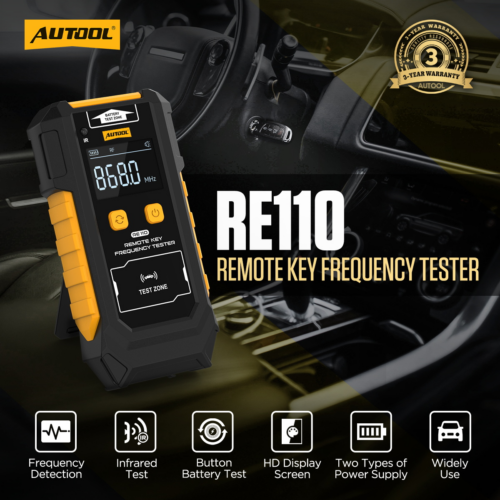
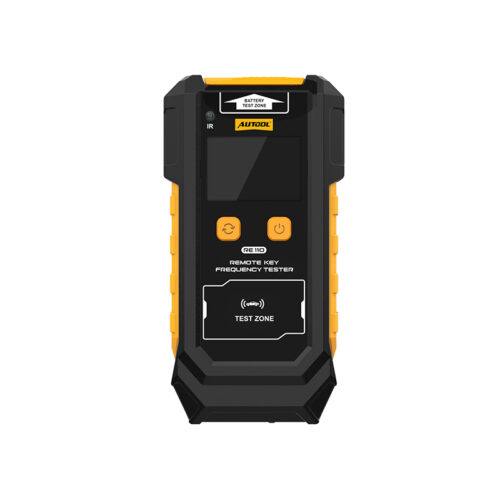
Use the Professional Car Key Tester: AUTOOL RE110 Remote Key Frequency Tester

This is an instrument for testing the frequency of wireless remote controls. It can measure the frequency of the remote control and display the value. Additionally, it can test the functionality of infrared sensors and supports testing of button batteries.

View AUTOOL RE110 Details

AUTOOL RE110 Auto Remote Key Frequency Tester and button battery test
Tool 02

Tester functions

AUTOOL RE110 Remote Key Frequency Tester Functions

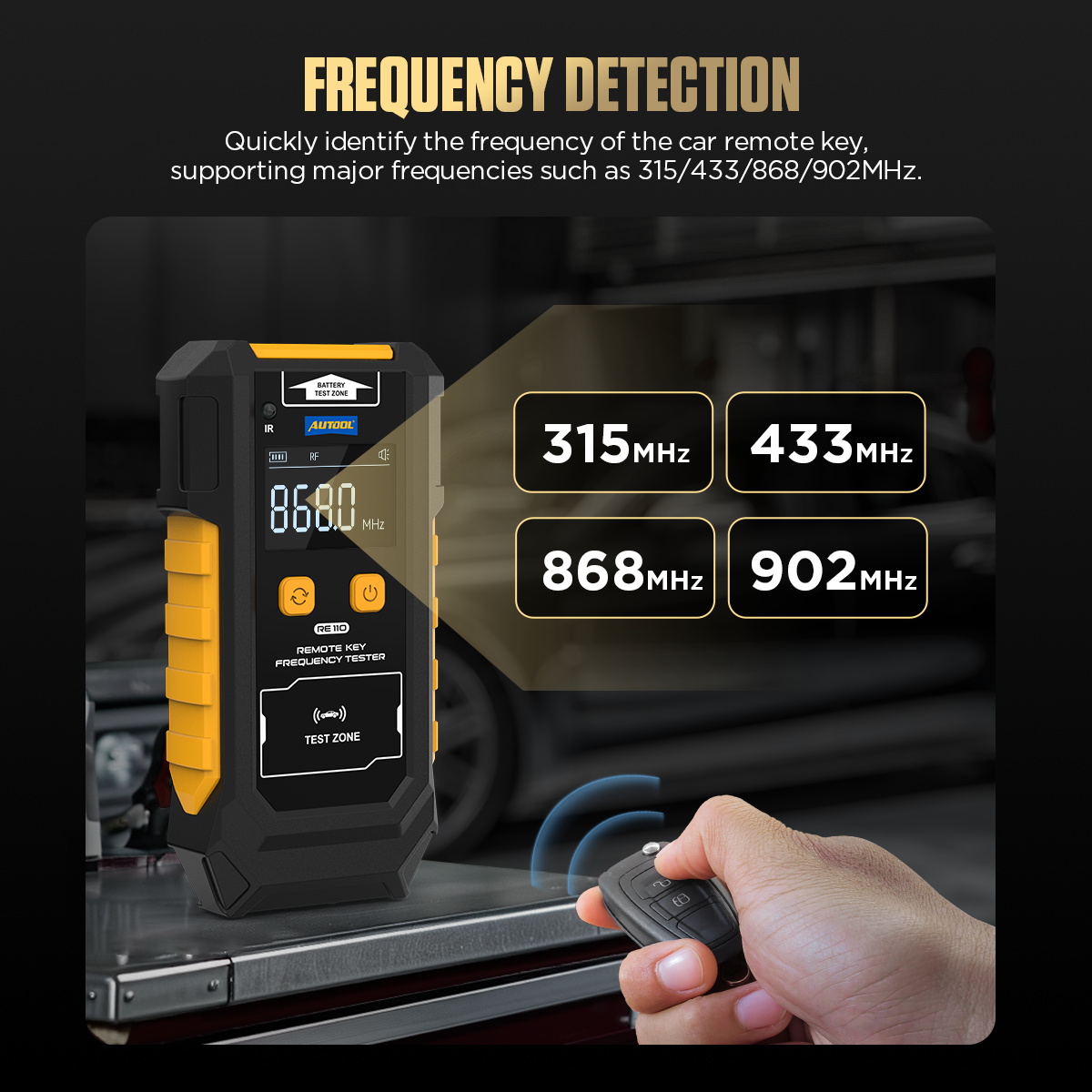
  • Frequency DetectionQuickly identify the frequency of the car remote key, supporting major frequencies such as 315/433/868/902MHz.
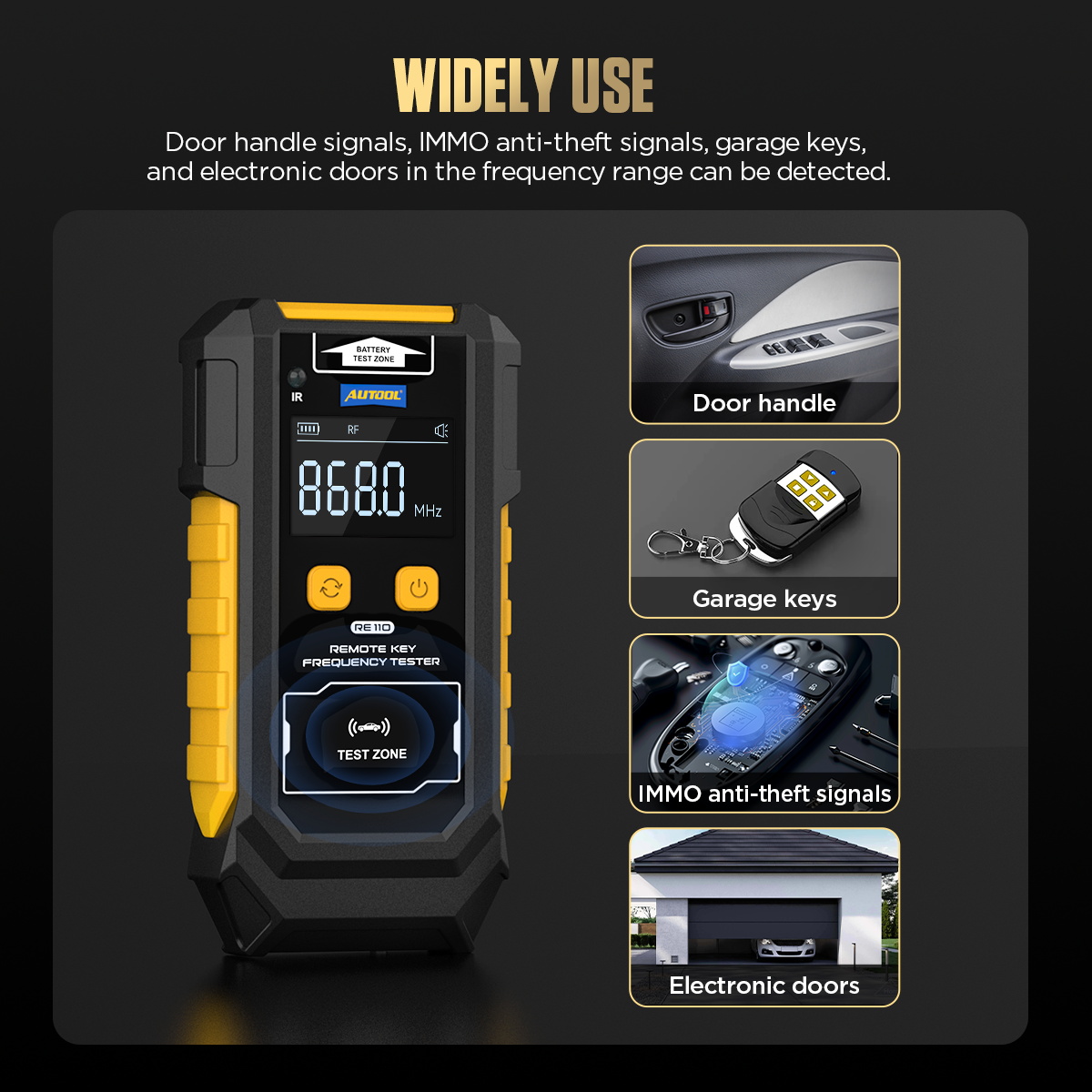
  • Infrared TestYou can quickly test the infrared remote control to see if it is working properly.
  • Button Battery TestCan quickly test the condition of car key batteries, suitable for CR2025/CR2032 button batteries.
AUTOOL RE110 remote key frequency tester functions
Tool 03

Basic operation

AUTOOL RE110 Remote Key Frequency Tester Basic Operation Procedure

Place the car remote key that needs to be tested near the key testing area, and press the button on the remote key. This will allow you to test the frequency of the key and clearly display the frequency value.

The frequency bands of car remote keys that can be tested are mainly 315MHz, 433MHz, 868MHz, and 902MHz.

The car key is a crucial component of modern vehicles, responsible for unlocking doors, starting the engine, and protecting the vehicle from theft. However, over time or with wear and tear, car keys can sometimes malfunction. This can be frustrating and may lead to significant repair costs.

AUTOOL RE110 remote key frequency tester operation

Using the AUTOOL RE110 Remote Key Frequency Tester can help you diagnose issues with your car key and handle simple checks yourself.

Car key inspection reminder
Contact

For More Information, Please Contact AUTOOL Official Team

If you need more information about car key testing or AUTOOL RE110, contact the AUTOOL team through the original support channels below.

AUTOOL official team contact

Related Products

Rendered through WooCommerce product shortcode so the cards inherit the global product-card structure and Blocksy/WooCommerce styles.

Leave a Reply

Vaš e-naslov ne bo objavljen. * označuje zahtevana polja