
언어 및 통화
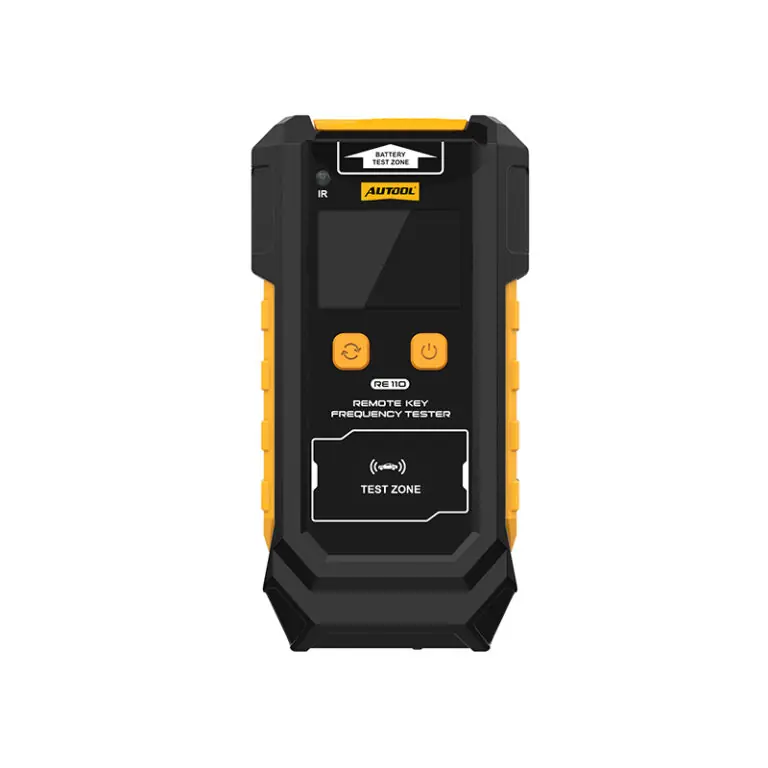
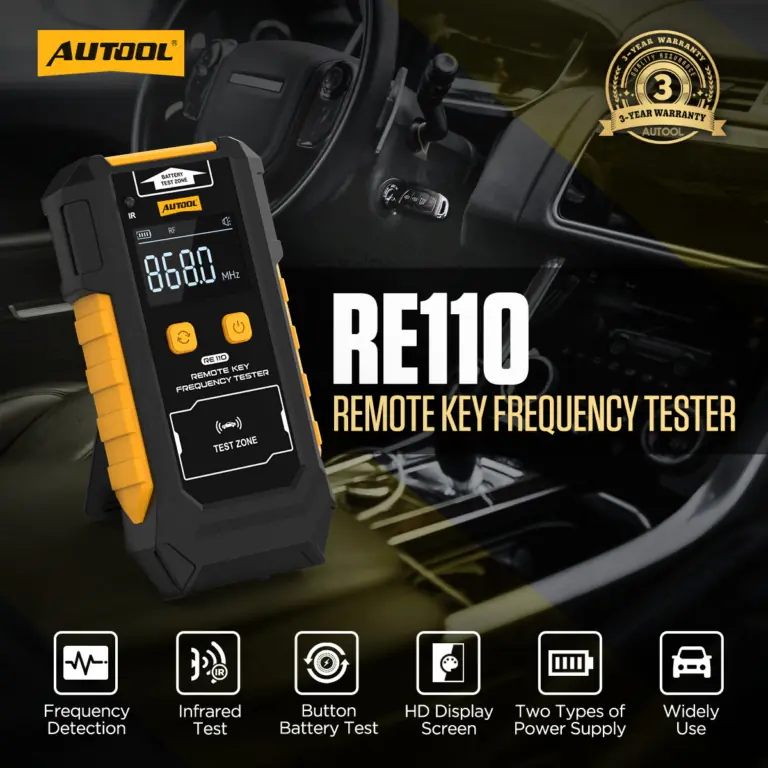
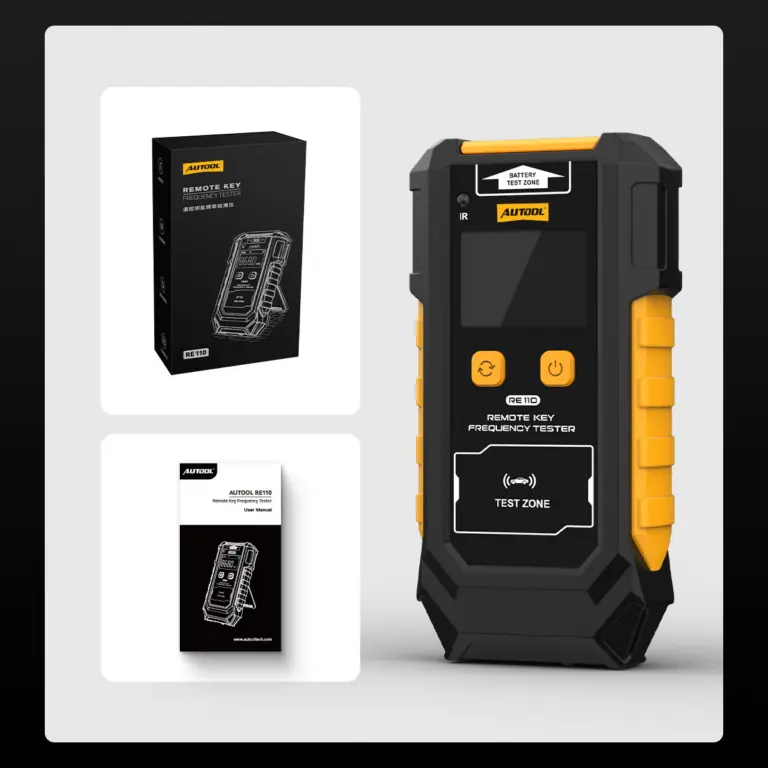
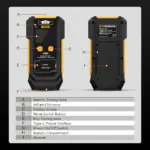
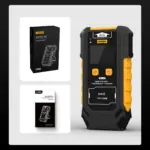
AUTOOL RE110 Remote Key Frequency Tester
US$49.00
주요 특징
- 315/433/868/902MHz
- Infrared Presence Check
- CR2025 / CR2032 Voltage
- Dedicated Test Areas
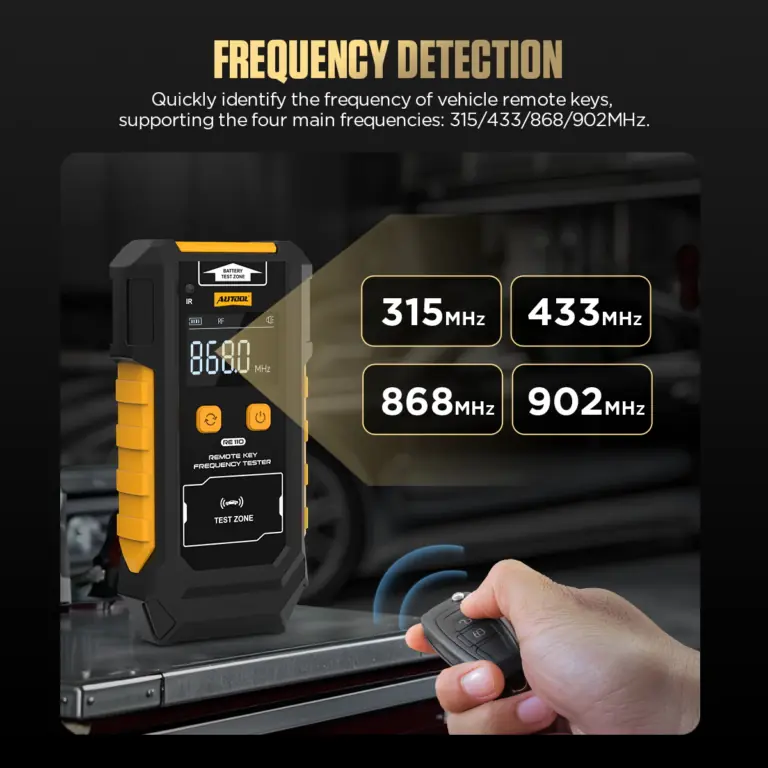
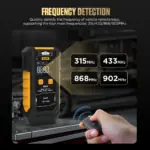
- 315 / 433 / 868 / 902 MHz: Detect nearby remote output at 315, 433, 868, or 902 MHz.
- Infrared Presence Check: Confirm detectable infrared emission from a remote without decoding its command.
- CR2025 / CR2032 Voltage: Read 0–6 V terminal voltage from supported CR2025 and CR2032 coin cells.
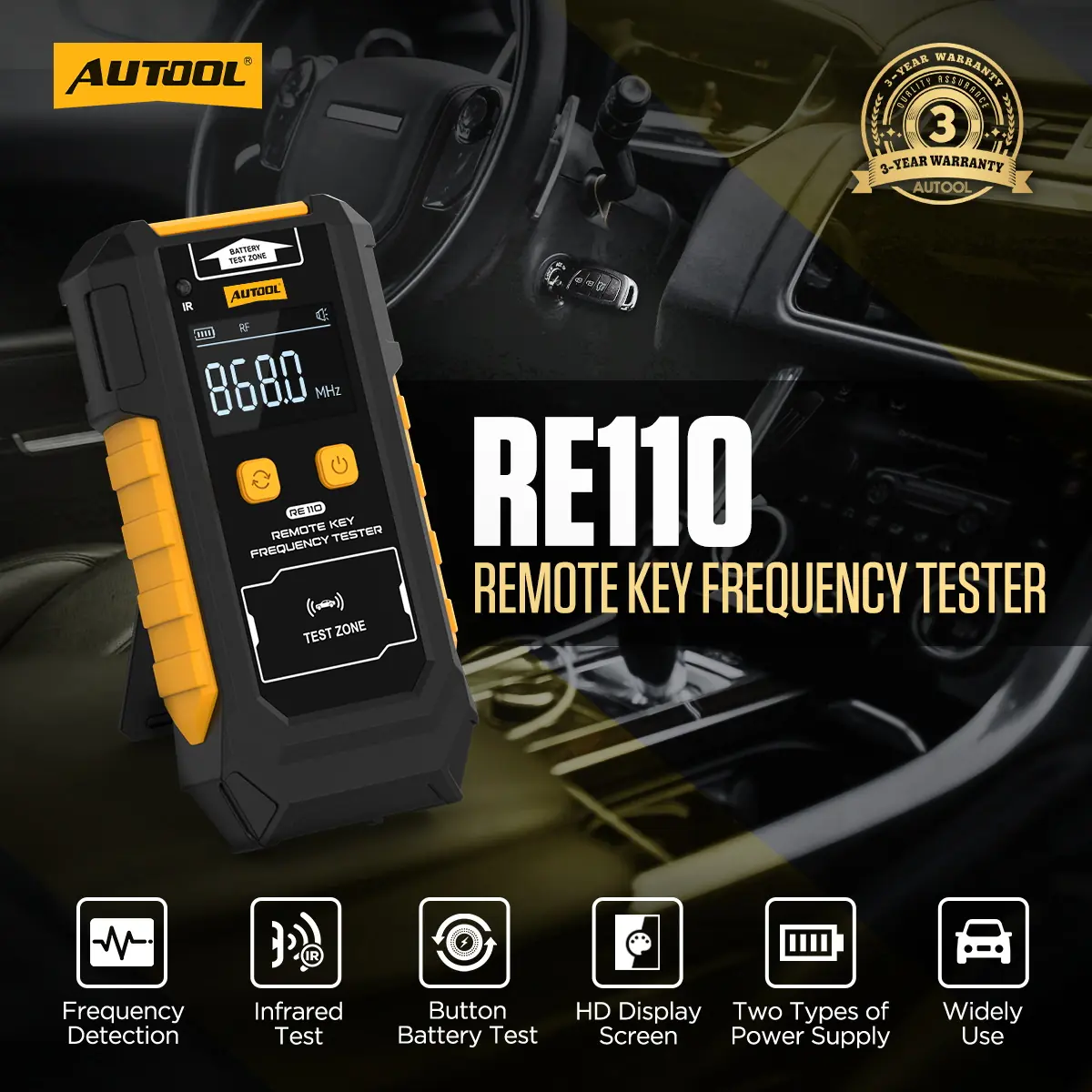
- Dedicated Test Areas: Use separate RF, IR, and battery areas with results shown on the 1.9-inch backlit display.
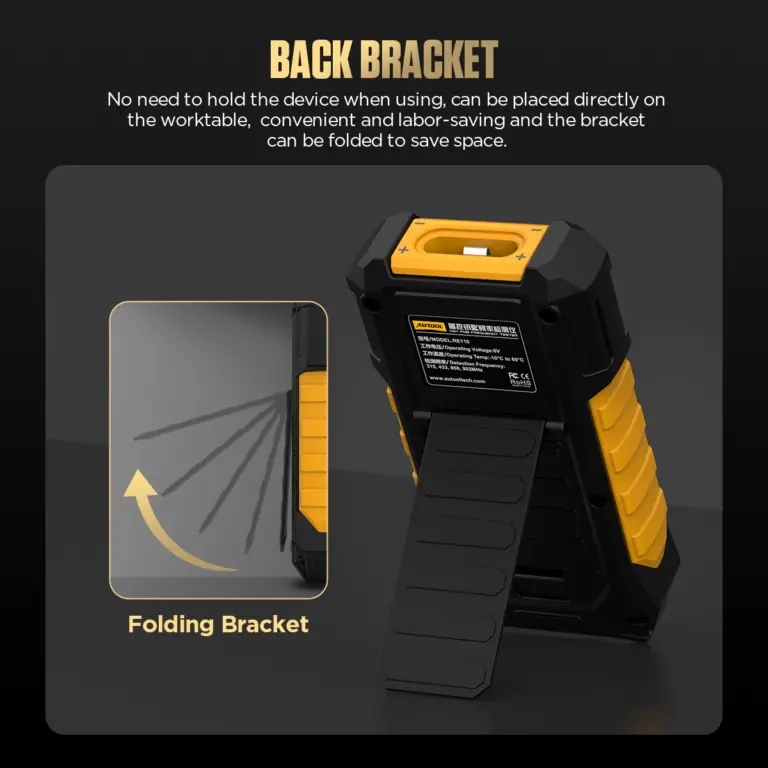
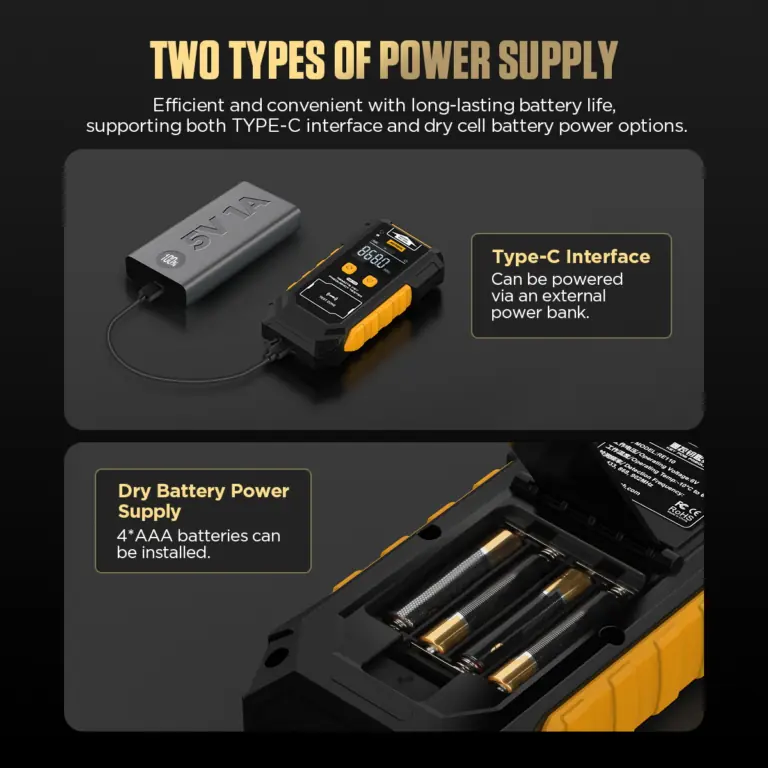
- Bench or Portable Power: Run from Type-C 5 V / 1 A or four AAA cells, and use the folding stand for counter checks.
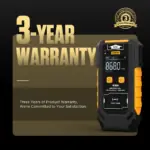
- 3 - 년 보증 본체 3년, 부속품 1년
- 90- 일 반품 90일 이내 반품 가능
- 공식 스토어 정품 · 직접 지원
AUTOOL RE110 · RF, IR & Coin Cell Battery Tester
Screen Remote Signals and Battery Voltage
Screen nearby remote output at 315, 433, 868, or 902 MHz, check infrared emission, and read supported coin-cell terminal voltage with the AUTOOL RE110 remote key frequency tester. Dedicated RF, IR, and battery areas keep quick bench and mobile checks clearly separated.
- 315/433/868/902MHz
- Infrared Presence Check
- CR2025 / CR2032 · 0–6 V
- 1.9 in Backlit Display
- Type-C or 4 × AAA Power
주요 특징
Check RF, IR and Coin-Cell Voltage
315 / 433 / 868 / 902 MHz Detection
Place the transmitter near the RF area and press its button to identify a detected 315, 433, 868, or 902 MHz band.
Infrared Presence Check
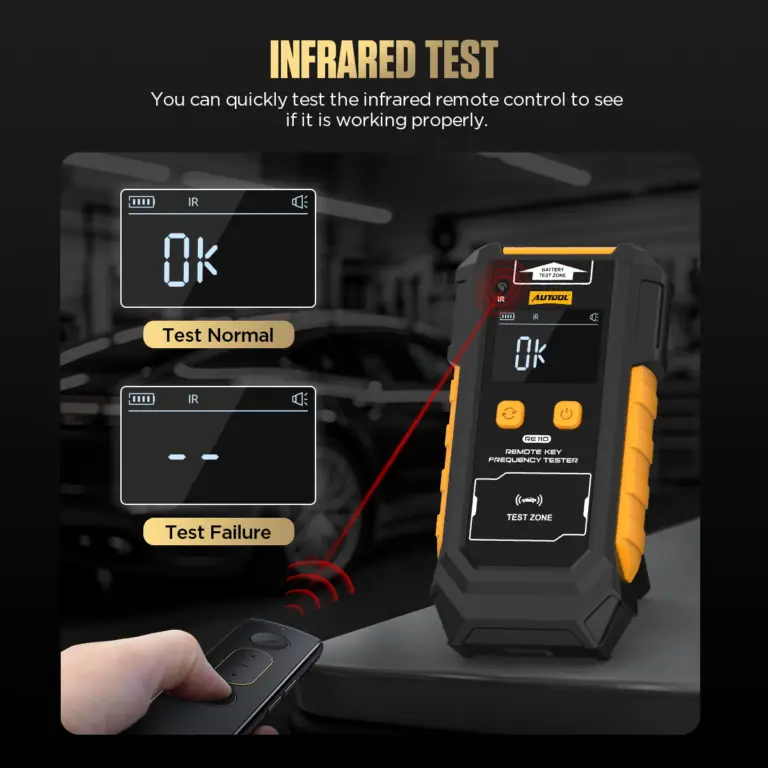
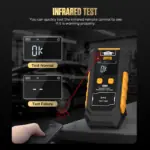
Point an IR remote toward the receiver. An OK result confirms detected infrared emission in that setup, without decoding the command.
CR2025 And CR2032 Voltage
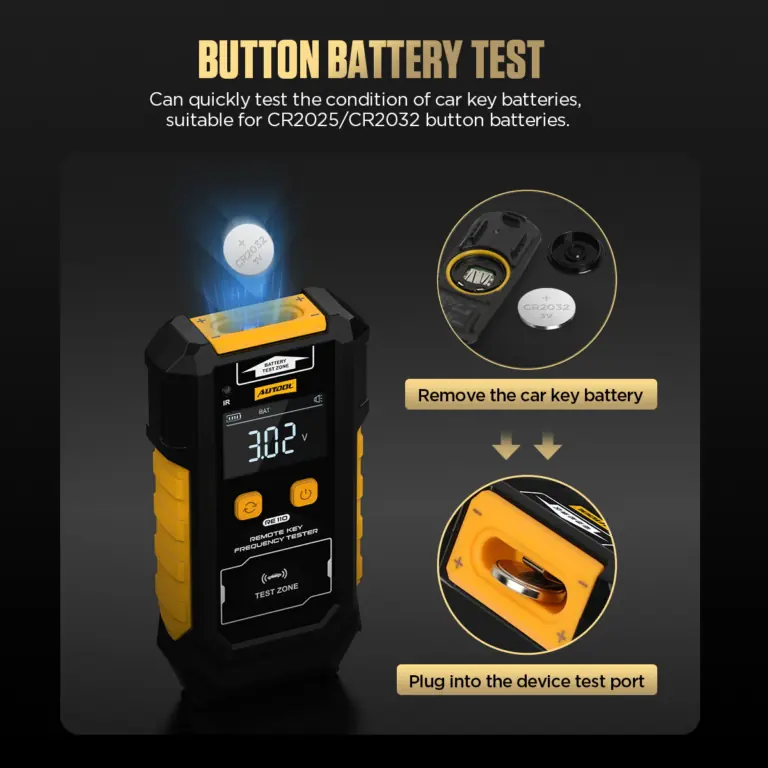
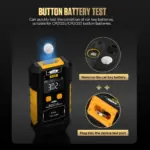
Place a supported CR2025 or CR2032 cell in the BAT area with correct polarity to display terminal voltage from 0–6 V.
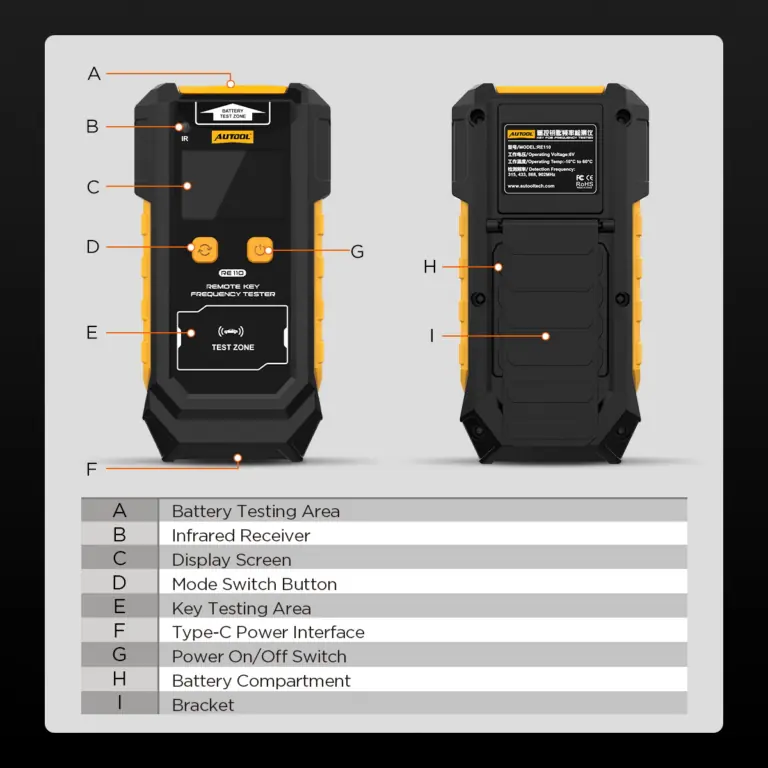
Dedicated Test Areas
Place the remote or coin cell at the labeled RF, IR, or BAT area, then read the detected band, IR response, or battery voltage on the 1.9 in backlit display.
The separated areas reduce mode confusion and keep the test object close to the corresponding receiver or contacts.
1.9인치 디스플레이
Read the detected band label, IR response, or battery voltage on the backlit screen.
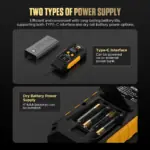
두 가지 전원 옵션
Power RE110 from a 5 V / 1 A Type-C input for bench use.
Install four 1.5 V AAA cells when a portable, cable-free setup is needed.
Folding Bench Stand
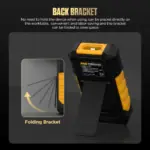
Set the tester upright for repeated key-counter checks and fold the bracket for storage.
Receive-Only Signal Checks
Use RE110 for receive-only checks of supported RF bands, IR emission and CR2025/CR2032 terminal voltage. Use the applicable key or vehicle tool for programming, pairing and system communication.
버튼 배터리 테스트
Check CR2025 and CR2032 button battery voltage quickly. The battery voltage measurement range is 0-6V.
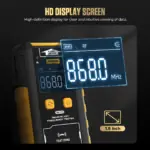
HD Display Screen
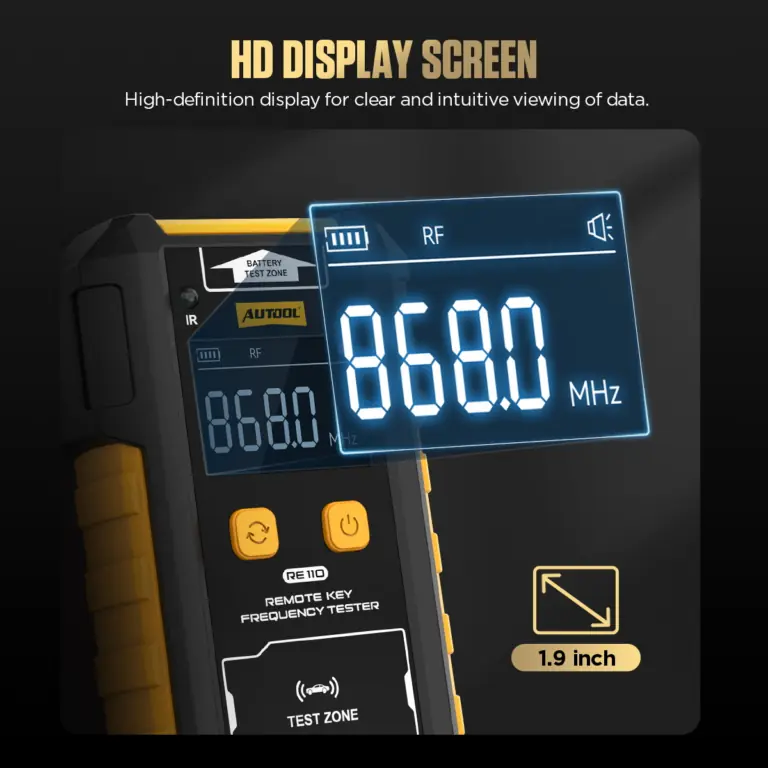
The 1.9-inch high-definition display shows test data clearly, making frequency and voltage readings easier to view.
Folding Back Bracket
The rear bracket allows the device to stand on the worktable without being held by hand, and it folds away to save space.
어플리케이션
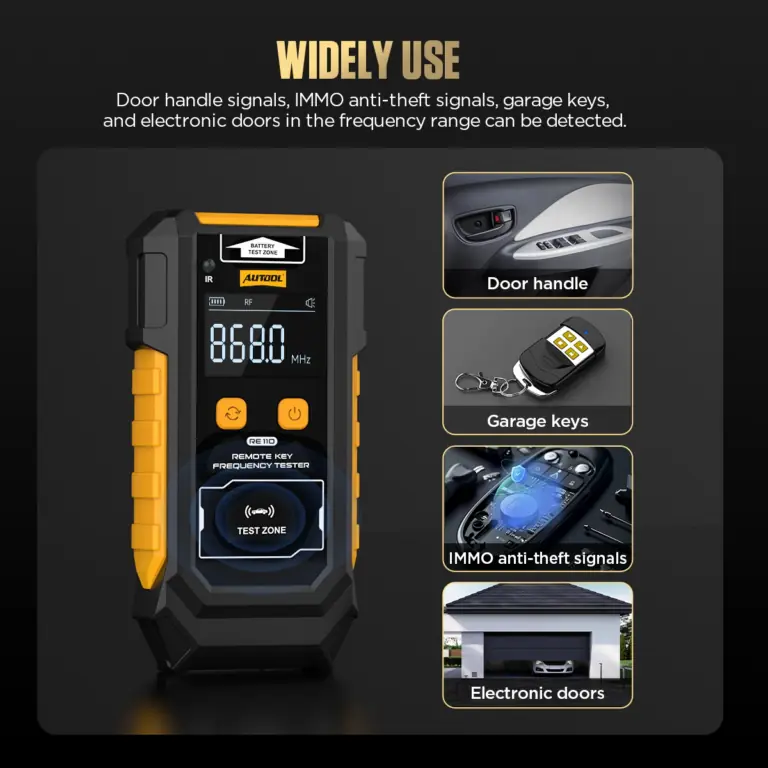
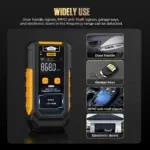
Check supported-frequency signals from compatible vehicle remote keys, door handles, keyless and IMMO anti-theft systems, garage controls, alarm remotes, and electronic-door transmitters. Detection requires the signal to fall within RE110’s supported frequency range.
RF, IR and Battery Testing
RE110 combines RF frequency detection, infrared remote testing, and CR2025 / CR2032 button battery voltage testing in one compact tool for key programmers, locksmiths, auto repair shops, and daily remote key checks.
3년 보증 지원
본체: 3년 보증. 표준 부속품: 1년 보증. 보증 정책.
이용 방법
Check the Remote, Signal and Battery
단계별 진행 상황1 / 5
01
Confirm The Required Check
Identify RF band, IR output, or CR2025/CR2032 terminal voltage, and prepare a known working reference where practical.
Control The Test Area
Switch to BAT mode, place the CR2025 or CR2032 battery into the battery testing area, pay attention to polarity, and read the voltage value on the screen.
Power the tester and move away from strong RF interference. Use the matching RF, IR, or BAT area.
03
Validate With A Reference
Trigger a known compatible transmitter or reference object to confirm the test mode and setup can respond.
04
Test The Suspect Item
Keep the transmitter close, press the target button, and record the displayed response. For a coin cell, observe polarity and stable contact.
05
Choose The Next Diagnostic Step
If emission is detected but the vehicle does not respond, investigate pairing, transponder, vehicle receiver, power/ground, antenna, or programming with the appropriate equipment.
안전성 및 호환성
Know What a Detected Signal Proves
주파수 범위
The unit lists four discrete RF bands. A different or unsupported signal may not display.
Retest a Blank Display
Move the key closer, change its orientation and retest away from interference. If the display remains blank, check the supported band, battery and transmitter output.
Use a Detected Signal
Use a detected supported-band emission to guide the next check; pairing, rolling-code validity, transponder operation and vehicle reception require their applicable tests.
Review Coin-Cell Voltage
Use the 0–6 V terminal-voltage reading as a quick CR2025/CR2032 check, then load-test or replace the cell when its in-use performance is in question.
간섭을 피하십시오
Keep away from strong radio sources and active phone/message transmission during sensitive checks.
Coin-Cell Polarity
Observe the marked polarity when placing CR2025 or CR2032 cells in the BAT area.
Storage And Service
Keep the unit dry and ventilated; do not disassemble or modify it.
Remote Test Placement
Place the remote key close to the key testing area for more accurate readings.
Unsupported Frequency Check
If the frequency value cannot be displayed normally, the remote key frequency may not be supported by this device.
Battery Polarity
When testing CR2025 / CR2032 batteries, pay attention to the positive and negative polarity markings.
Signal Interference Control
Avoid strong electronic signal interference sources during testing, such as signal towers, base stations, utility poles, phone calls, or message transmission.
건조 보관 조건
Store the product in a dry place and avoid hot, humid, or non-ventilated environments.
결과
Read RF, IR and Battery Results
RF Value Displayed
A signal at one of the listed bands was detected in the current setup. Continue with key and vehicle-side checks if operation still fails.
IR Shows OK
Infrared output was detected in the current alignment. Command validity and receiver acceptance remain separate.
No RF Or IR Response
Recheck mode, reference object, position, interference, power and supported band before treating the transmitter as suspect.
Battery Voltage Displayed
Record the terminal voltage as a screening value; use an appropriate loaded test or replacement comparison when battery performance remains in question.
기술 사양
Bands, Cells, Display and Power
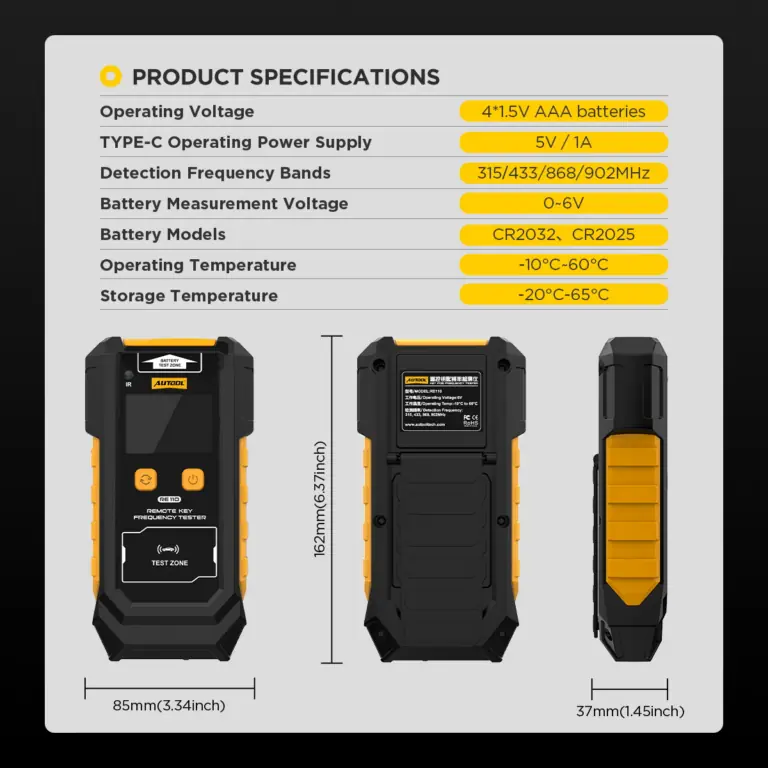
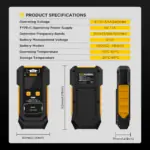
| 스펙 | 가치관 |
|---|---|
| RF Bands | 315/433/868/902MHz |
| RF Result | Detected band display; accuracy, sensitivity, strength and modulation are not specified |
| Infrared Result | Presence indication (OK); waveform/protocol not decoded |
| Supported Coin Cells | CR2025 / CR2032 |
| 배터리 전압 범위 | 0–6 V terminal-voltage display; not a loaded capacity or remaining-life test |
| 디스플레이 | 1.9 인치 |
| 외부 전력 | Type-C 5 V / 1 A |
| 휴대용 전원 | 4 × 1.5 V AAA cells |
사용 설명서 및 지원
Use Each Test Mode Correctly
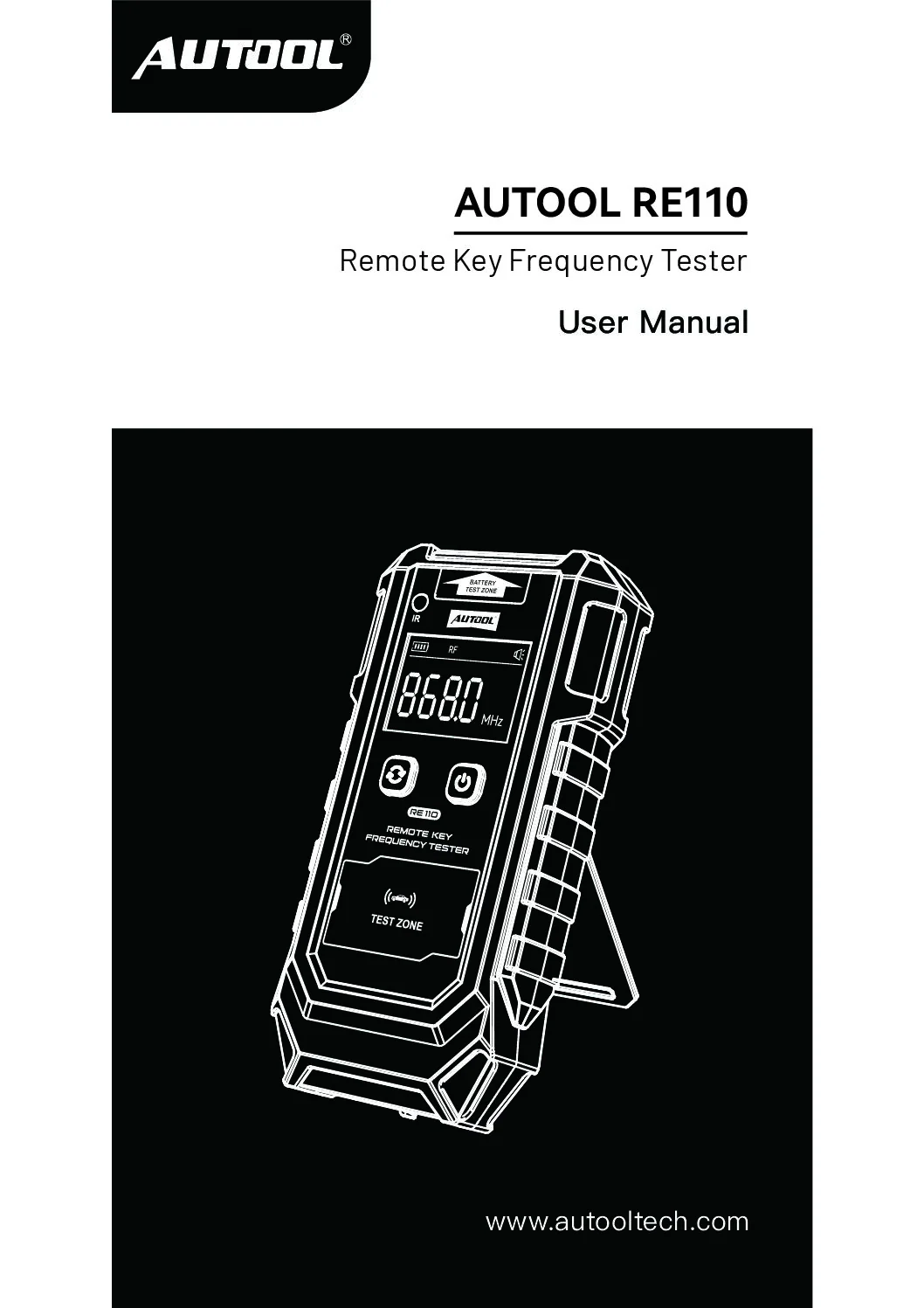
AUTOOL RE110 User Manual
Open the PDF manual for RE110 RF-band checks, infrared detection and coin-cell voltage testing, with measurement safety and troubleshooting support.
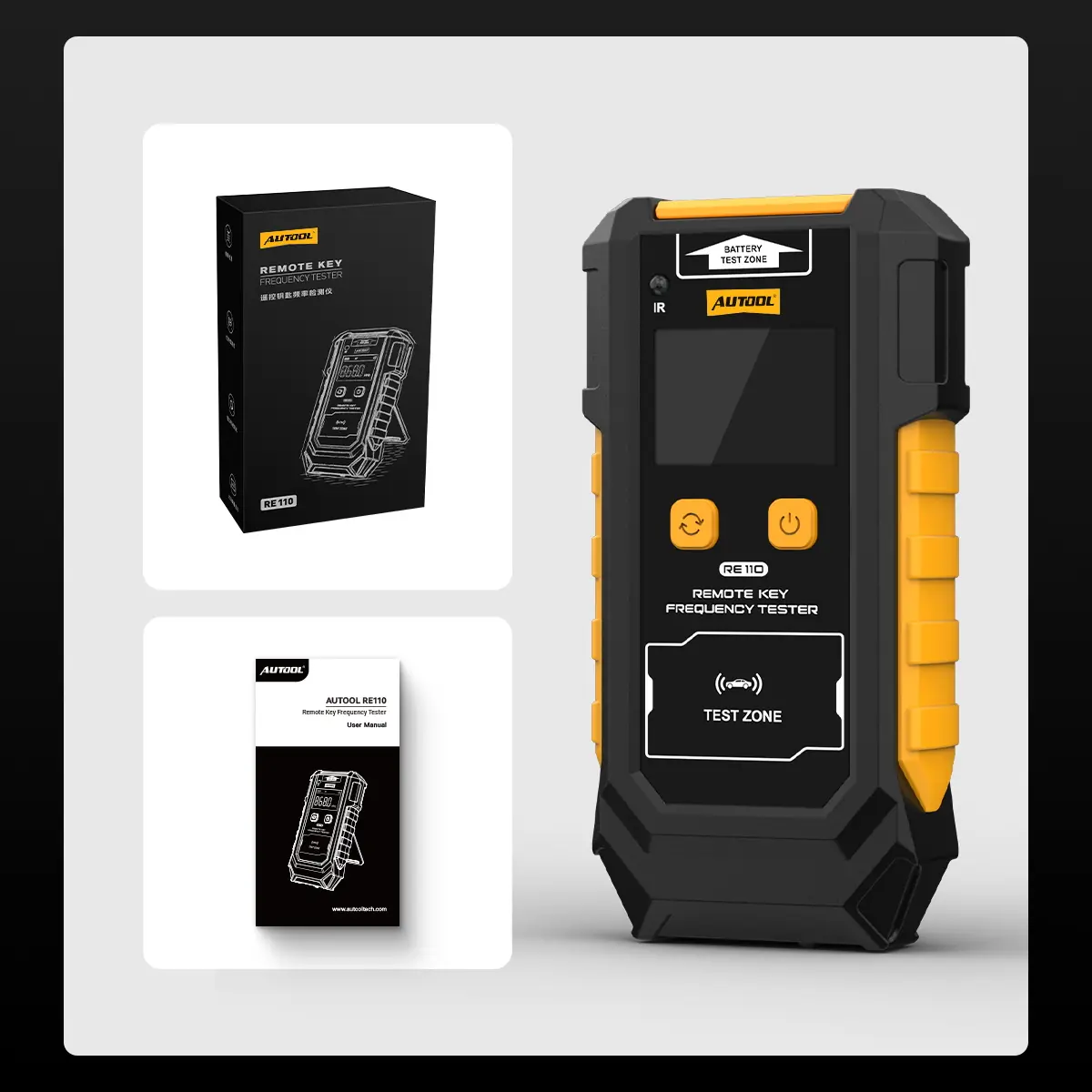
패키지 내용물
Check the Unit, Manual and Power Items
- RE110 Main UnitRF, IR and coin-cell voltage tester.
- 사용 설명서Operating, specification, maintenance and warranty information.
- 소매 박스제품 포장.
- Power Supply NoteThe shown package confirms only the main unit, manual, and retail box. Supply a Type-C lead and AAA batteries separately unless the ordered package explicitly includes them.
자주 묻는 질문
Remote Signal and Battery Questions
Which Frequencies Can the Remote Key Tester Detect?
RE110 mainly supports 315MHz, 433MHz, 868MHz, and 902MHz remote key frequency detection.
Why Does The Frequency Value Not Display?
The key may not be close enough to the key testing area, or the remote key frequency may not be supported by this device. Move the key closer to the testing area and test again.
Move the key close to the RF test area and trigger it again away from strong interference. If no supported band appears, check the coin cell, transmitter output and test setup.
Can RE110 Test Infrared Remotes?
Yes. In IR mode, point the infrared remote control toward the infrared receiver and press the remote button. The screen displays OK when infrared emission is detected.
Yes. IR mode reports OK when infrared output is detected in the test setup. Check command operation with the controlled device when required.
Which Button Batteries Can It Test?
RE110 supports CR2025 and CR2032 button battery testing, with a battery voltage measurement range of 0-6V.
RE110 displays 0–6 V terminal voltage for CR2025 and CR2032 cells. Use a separate load or capacity test when the cell must be evaluated under load.
How Is RE110 Powered?
RE110 supports Type-C 5V / 1A power input and 4 × 1.5V AAA batteries.
Does RE110 Include A Warranty?
본체: 3년 보증. 표준 부속품: 1년 보증. 보증 정책.
Can RE110 Program, Copy, Or Pair A Vehicle Key?
No. RE110 receives supported RF or IR emissions and displays coin-cell terminal voltage. It does not decode rolling codes, read a transponder, perform immobilizer authorization, or program, copy, or pair a key to a vehicle.
Does A Frequency Reading Prove The Key Is Good?
No. The result confirms emission in a supported RF band. Use the applicable test for signal quality, pairing, rolling-code validity, transponder operation or vehicle reception.
리뷰가 아직 없습니다.이 제품 사용 경험을 가장 먼저 공유해 보세요.